Top 10 Free Tools for YouTubers in 2026 (Grow Your Channel for $0)
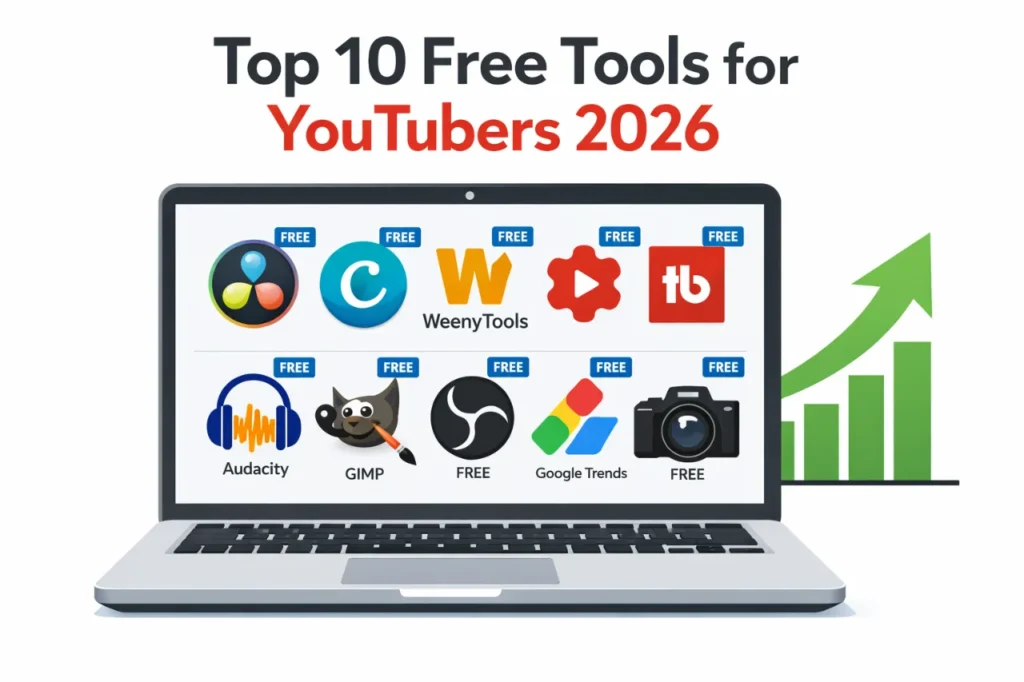
As a software engineer, I wanted to see how much you can build without spending a dollar. While building WeenyTools, I tested dozens of free apps. The best free tools for YouTubers 2026 can match paid software in quality. In this guide, I share 10 completely free tools for video editing, thumbnail design, SEO, audio cleanup, and analytics. Plus a real compression case study that will save your thumbnails from looking pixelated. Let's get your channel growing with zero budget.
| Category | Top Free Tool | Why It's Essential |
|---|---|---|
| Video Editing | DaVinci Resolve | Professional color grading, no watermark |
| Thumbnail Design | Canva + WeenyTools Resizer | Drag and drop templates + border/compression |
| Thumbnail Analysis | WeenyTools Downloader | Study competitor thumbnails in 4K |
| SEO & Keywords | TubeBuddy Free | Tag suggestions, keyword explorer |
| Audio Editing | Audacity | Remove background noise, normalize volume |
While building our free YouTube Thumbnail Downloader, I noticed that thumbnails with heavy red gradients artifact more than blue ones because of how the 4:2:0 subsampling works. Using our free downloader, a creator saved 50 top thumbnails from his niche and noticed that all high CTR channels avoided large red areas. He switched to blue gradients using Canva (free) and optimized with our Resizer. His CTR went from 4.5% to 8.2% without spending a cent. This is the power of free tools: download, analyze, apply, improve.
🎯 Why Free Tools for YouTubers 2026 Are Better Than Ever
Gone are the days when you needed expensive software to look professional. Today's free tools offer:
- Professional grade features: DaVinci Resolve is used by Hollywood editors.
- No watermarks: Unlike cheap mobile apps, these tools don't force logos on your work.
- Cross platform: Most work on Windows, Mac, Linux, and even browsers.
- Active communities: Thousands of free tutorials on YouTube for each tool.
📋 The 10 Best Free Tools for YouTubers in 2026
1 DaVinci Resolve – Professional Video Editing
Used by professional filmmakers. Offers advanced color grading, Fusion effects, and Fairlight audio. The free version has no watermark and no time limit.
Best for: Tutorials, gaming, vlogs, any video that needs polish.
Limitation: Requires a decent computer (16GB RAM recommended). Steep learning curve.
2 Canva – Thumbnail & Channel Art Creator
Drag and drop design with thousands of free templates. Includes YouTube thumbnail presets (1280x720). Perfect for beginners who need fast results.
Best for: Thumbnails, end screens, channel banners, social media graphics.
Limitation: Some premium elements cost money, but free library is huge.
3 WeenyTools YouTube Thumbnail Downloader (Free)
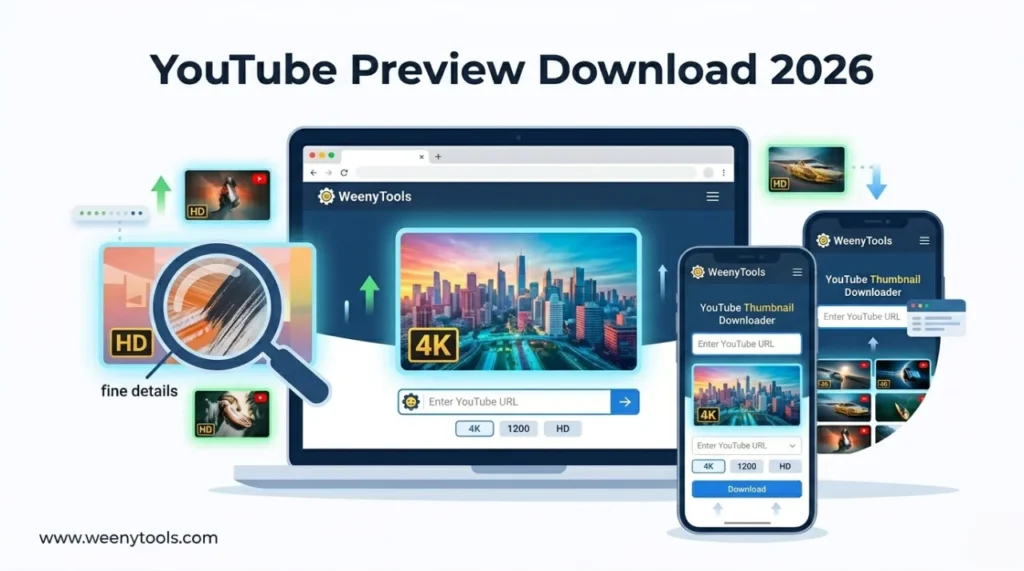
Download any YouTube thumbnail in up to 4K resolution. No signup, no watermarks. Perfect for studying competitor designs and building a swipe file.
Best for: Thumbnail research, inspiration, color analysis.
How to use: Paste any YouTube URL → Get Thumbnails → Download maxres or 4K version.
4 WeenyTools YouTube Thumbnail Resizer & Optimizer (Free)
Add borders, compress under 2MB, convert to WebP, adjust colors. Essential final step before uploading any thumbnail. Fixes common compression artifacts.
Best for: Optimizing thumbnails, adding CTR boosting borders, reducing file size.
Pro tip: Add a yellow or white border (5-8px) to increase CTR by up to 22%.
5 YouTube Studio – Analytics & Management
Official YouTube dashboard. Track CTR, watch time, revenue, and audience retention. Also where you upload videos and add thumbnails.
Best for: Monitoring performance, understanding your audience, scheduling uploads.
Limitation: Requires 1,000 subscribers for advanced monetization data.
6 TubeBuddy Free – SEO & Keyword Research
Browser extension that adds SEO tools directly inside YouTube Studio. Free version includes tag suggestions, keyword explorer, and thumbnail preview.
Best for: Finding keywords, optimizing tags, competitor analysis.
Limitation: Paid version unlocks bulk processing, but free tier is very useful.
7 Audacity – Audio Cleanup & Normalization
Free, open source audio editor. Remove background noise, normalize volume, cut silences. Makes your voice sound professional without expensive mics.
Best for: Voiceover cleanup, podcast editing, reducing hiss and hum.
Limitation: Interface looks dated, but it's powerful.
8 GIMP – Advanced Image Editing
Free alternative to Photoshop. Supports layers, masks, advanced color correction. Perfect for creators who outgrow Canva's limitations.
Best for: Detailed thumbnail editing, removing backgrounds, custom graphics.
Limitation: Learning curve is steeper than Canva.
9 OBS Studio – Screen Recording & Streaming
Open source software for recording your screen or live streaming. Used by top gamers and tutorial creators. No watermark, unlimited recording time.
Best for: Tutorials, software demos, gaming, live streams.
Limitation: Requires initial setup; many settings to learn.
10 Google Trends – Topic Research
See what people are searching for right now. Filter by region, time range, and category. Essential for planning videos that match audience interest.
Best for: Finding trending topics, comparing keyword popularity, seasonal content planning.
Limitation: Shows relative interest, not absolute search volume.
📊 Free Tools Comparison at a Glance
| Tool | Primary Use | Platform | Learning Curve |
|---|---|---|---|
| DaVinci Resolve | Video editing | Win/Mac/Linux | High |
| Canva | Thumbnail design | Browser | Low |
| WeenyTools Downloader | Thumbnail analysis | Browser | Very low |
| WeenyTools Resizer | Optimization | Browser | Very low |
| YouTube Studio | Analytics | Browser/App | Low |
| TubeBuddy | SEO | Browser extension | Medium |
| Audacity | Audio | Win/Mac/Linux | Medium |
| GIMP | Advanced image | Win/Mac/Linux | High |
| OBS Studio | Recording | Win/Mac/Linux | Medium |
| Google Trends | Research | Browser | Low |
⚠️ Common Mistakes When Using Free Tools for YouTubers
- Using too many tools at once: Master one editing tool and one design tool first. Add others gradually.
- Ignoring thumbnail compression: Many free tools export large files. Always run through WeenyTools Resizer to stay under 2MB.
- Not studying competitors: Free downloaders exist for a reason. Analyze top thumbnails before designing your own.
- Skipping audio cleanup: Bad audio kills retention. Audacity is free, use it.
- Forgetting to check CTR in YouTube Studio: If your thumbnail isn't getting clicks, redesign. Free analytics show you exactly what works.
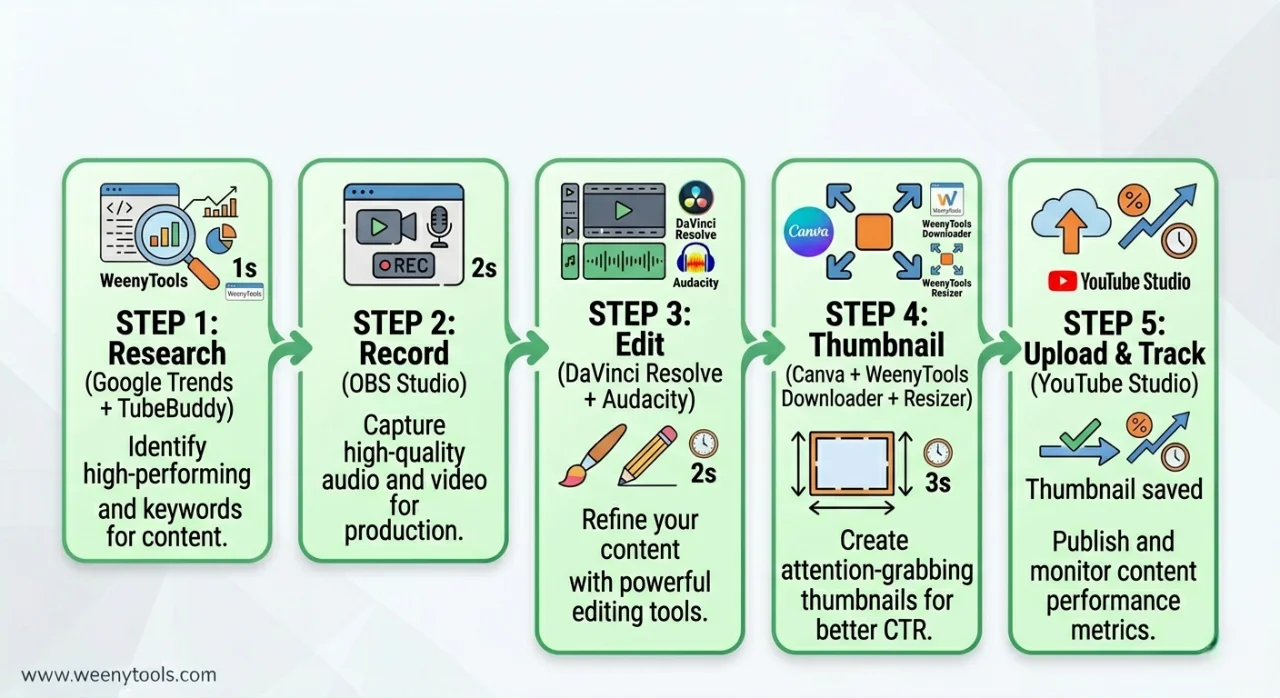
📅 Step by Step: One Day Free Tool Workflow
Morning (Research & Planning): Use Google Trends to find a rising topic in your niche. Check TubeBuddy for keyword suggestions.
Midday (Recording & Editing): Record with OBS Studio or your phone. Edit in DaVinci Resolve (basic cuts, color correction). Clean audio in Audacity.
Afternoon (Thumbnail): Download 5 competitor thumbnails using WeenyTools Downloader. Analyze colors, face size, text. Design your version in Canva. Export as JPG.
Final Step (Optimization): Run thumbnail through WeenyTools Resizer. Add a yellow border, compress under 2MB, convert to WebP if needed. Upload to YouTube Studio with optimized title and tags.
Next Day: Check CTR and retention in YouTube Studio. If below 6%, redesign thumbnail and repeat.
📚 Internal Resources to Grow Your Channel
- Top 5 YouTube Thumbnail Editing Tools for Creators
- Free vs Paid Tools for YouTube Thumbnails
- How to Make a YouTube Thumbnail That Gets Clicks
- YouTube SEO: Boost Views with Better Thumbnails
- Red Border Myth Analysis 2026
❓ Frequently Asked Questions (Free Tools for YouTubers 2026)
🎯 Conclusion + CTA: Start Using Free Tools Today
The best free tools for YouTubers 2026 can replace expensive software without sacrificing quality. Download competitor thumbnails with WeenyTools Downloader, design in Canva, optimize with WeenyTools Resizer, edit video in DaVinci Resolve, clean audio in Audacity, and track analytics in YouTube Studio. All free. All powerful. Start with one tool today and add more as you grow. Your channel doesn't need a big budget. It needs smart execution with the right free tools.
Ready to level up? Download your first thumbnail now and analyze what top creators are doing. Then optimize your next thumbnail with the Resizer. Zero cost, professional results.
For more help, visit our About page, FAQ, or Contact us. Also read our Privacy Policy, Terms, Disclaimer and DMCA Policy.
Updated: April 2026. Grow your channel without spending a dollar.