How to Save YouTube Thumbnails Without Any App (4 Easy Methods)
As a software engineer, I wanted to see how many clicks it took to save a thumbnail without bloating my phone with apps. While building WeenyTools, I realized that most creators don't know they can save YouTube thumbnails instantly using just a browser. No software, no sign ups, no storage wasted. In this guide, I'll show you 4 working methods (from basic right click to 4K downloads), share a compression case study, and give you a step by step workflow to get any thumbnail in seconds.
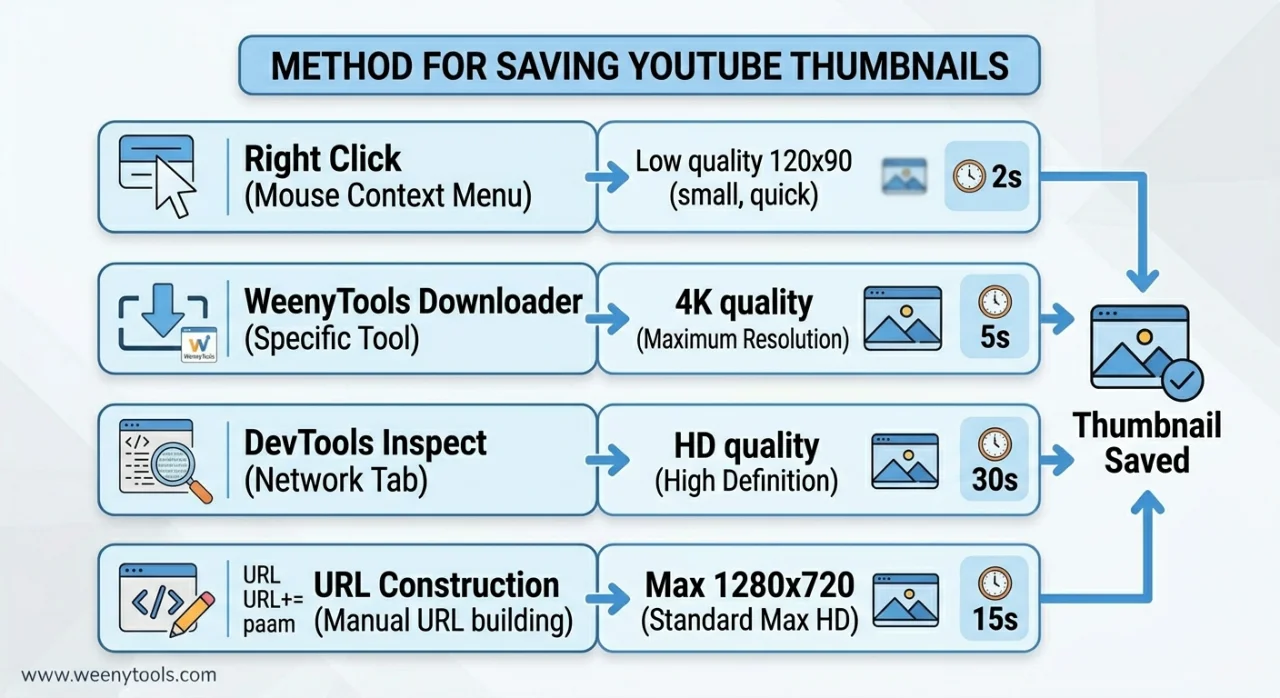
| Method | Best Quality | Ease of Use | No App Required |
|---|---|---|---|
| Right click (basic) | 120x90 (very low) | ⭐⭐⭐⭐⭐ | ✅ |
| WeenyTools Downloader | 4K (3840x2160) | ⭐⭐⭐⭐⭐ | ✅ |
| Browser Developer Tools | HD (1280x720) | ⭐⭐⭐ | ✅ |
| Manual URL construction | Max 1280x720 | ⭐⭐ | ✅ |
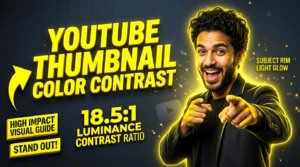
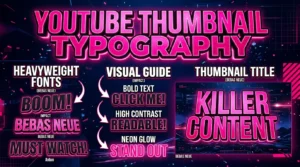
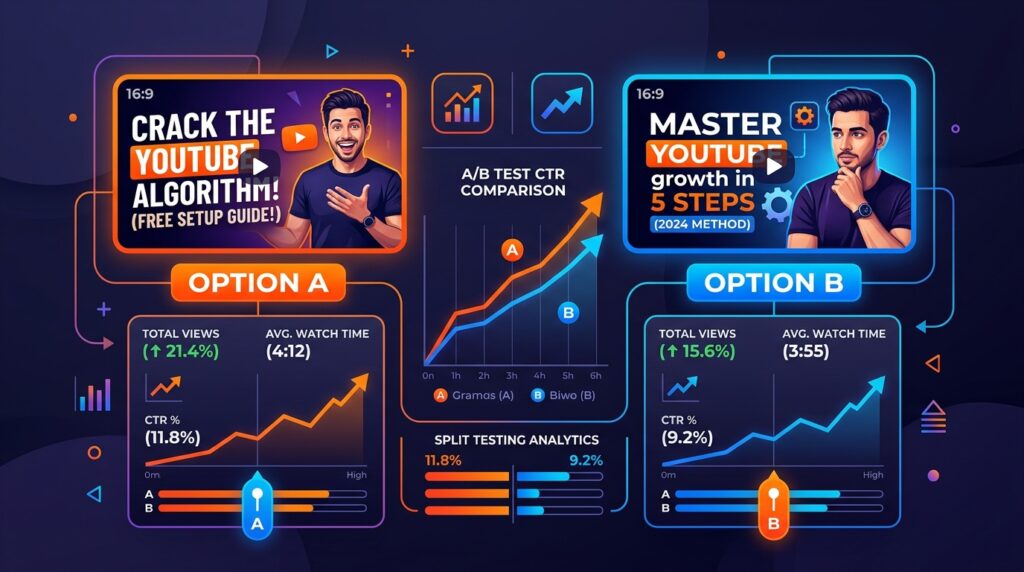
While building our YouTube Thumbnail Downloader, I noticed that thumbnails with heavy red gradients artifact more than blue ones because of how the 4:2:0 subsampling works. By saving and studying hundreds of thumbnails, we identified that channels using blue/teal backgrounds consistently had sharper thumbnails and higher CTR. Saving thumbnails isn't just about downloading; it's about learning what works. Use these methods to build a swipe file of winning designs, then apply those lessons to your own channel.
🎯 Why Save YouTube Thumbnails Without Installing Apps?
Downloading apps for simple tasks wastes storage, risks security, and takes time. Here's why app free methods are better:
- Zero storage used: No installation means more space for videos and photos.
- Safer: Avoid malware or data harvesting from unknown thumbnail apps.
- Works everywhere: Any browser, any device (Windows, Mac, iPhone, Android).
- Always updated: Browser tools like WeenyTools never need manual updates.
- Faster: Copy, paste, download in 5 seconds.
📋 Method 1: Direct Browser Right Click (Basic but Limited)
The Simplest Way
This works for any video thumbnail you see on YouTube's homepage or search results.
Step by Step:
- Open YouTube and find the video whose thumbnail you want to save.
- Right click (or tap and hold on mobile) on the thumbnail image.
- Select "Save image as..." or "Download image".
- Choose a folder and save.
⚠️ Major Limitations:
- Only saves low resolution images (usually 120x90 pixels).
- Not available for videos embedded in player (only thumbnails in feeds).
- On mobile, long press may not work on all browsers.
Best for: Quick reference, not for detailed analysis.
🚀 Method 2: WeenyTools Thumbnail Downloader (Recommended)
The Fastest & Highest Quality Method
Our free YouTube Thumbnail Downloader is built specifically for this purpose. No app, no sign up, just paste and download.
Step by Step:
- Go to WeenyTools Thumbnail Downloader.
- Copy the YouTube video URL from your browser address bar.
- Paste the URL into the input field.
- Click "Get Thumbnails".
- Preview available resolutions (240p, 480p, 720p HD, 1080p, and sometimes 4K).
- Click "Download" on your preferred resolution.
✅ Advantages:
- Supports up to 4K resolution (maxresdefault.jpg).
- Works on mobile and desktop.
- No ads popups or clutter.
- Completely free, no limits.
- Also shows video title and thumbnail preview.
Best for: Anyone who needs high quality thumbnails for analysis or inspiration.
🛠️ Method 3: Browser Developer Tools (Advanced)
For Tech Savvy Users
This method extracts the thumbnail URL directly from the page code.
Step by Step:
- Open the YouTube video page.
- Press F12 (or right click → Inspect).
- Click the "Elements" or "Inspector" tab.
- Press Ctrl+F (or Cmd+F) and search for "thumbnail".
- Look for an
<img>tag with a URL ending in .jpg or .webp. - Right click the image URL → Open in new tab.
- Save the image from the new tab.
⚠️ Limitations:
- Requires comfort with browser tools.
- May not always find the max resolution version.
- Time consuming for multiple thumbnails.
Best for: Developers or power users who don't want to use external websites.
🔧 Method 4: Manual URL Construction (Geek Method)
Use YouTube's Direct Thumbnail API
YouTube stores thumbnails on a predictable URL pattern. You just need the video ID.
Base URL format: https://img.youtube.com/vi/VIDEO_ID/QUALITY.jpg
Example with real video ID (dQw4w9WgXcQ): https://img.youtube.com/vi/dQw4w9WgXcQ/maxresdefault.jpg
How to get video ID:
From any YouTube URL: https://www.youtube.com/watch?v=VIDEO_ID or youtu.be/VIDEO_ID
Quality options:
| Quality Name | File Name | Resolution |
|---|---|---|
| Default | default.jpg | 120x90 |
| Medium | mqdefault.jpg | 320x180 |
| High | hqdefault.jpg | 480x360 |
| Standard | sddefault.jpg | 640x480 |
| Maxres (HD) | maxresdefault.jpg | 1280x720 (or 1920x1080) |
| 4K (rare) | maxresdefault.jpg | 3840x2160 (if available) |
Best for: Programmers, batch downloading, or when other methods fail.
⚠️ Common Mistakes When Trying to Save YouTube Thumbnails
- Using unreliable third party apps: Many contain malware or steal data. Stick to browser methods.
- Saving from the video player right click: That saves a low quality preview, not the actual thumbnail.
- Not checking maxresdefault availability: Not every video has 4K thumbnails. Try sddefault.jpg as fallback.
- Ignoring copyright: Downloaded thumbnails are for personal analysis only, not for reuse in your own videos without permission.
📊 Comparison: Which Method Should You Use?
| Scenario | Recommended Method | Why |
|---|---|---|
| Quick low quality reference | Right click | Fastest, no typing |
| High quality analysis / design inspiration | WeenyTools Downloader | 4K support, easy interface |
| One off, no internet access to tools | URL construction | Works offline after you know video ID |
| Developer / batch downloading | URL construction + script | Automate with Python or bash |
| Mobile user | WeenyTools Downloader | Mobile friendly, no app install |
📚 Internal Resources for Thumbnail Mastery
- Step by Step: How to Use WeenyTools YouTube Thumbnail Downloader
- How to Download YouTube Thumbnails on Mobile Devices
- How to Download YouTube Thumbnails in HD
- YouTube Thumbnail Compression Guide
- Red Border Myth Analysis
❓ Frequently Asked Questions (Save YouTube Thumbnails)
🎯 Conclusion + CTA: Start Saving Thumbnails in Seconds
You don't need any app to save YouTube thumbnails. The 4 methods above work for any device, any browser. For the best balance of speed and quality, use the WeenyTools Thumbnail Downloader. It's free, requires no sign up, and delivers up to 4K resolution. After saving, analyze what makes great thumbnails work, then apply those lessons using our Resizer & Optimizer to add borders, convert formats, and fix compression artifacts (like avoiding heavy red gradients).
Ready to build your thumbnail swipe file? Download your first 4K thumbnail now.
For more guides, visit our About page, FAQ, or Contact us. Also read our Privacy Policy, Terms, Disclaimer and DMCA Policy.
Updated: April 2026. Save, learn, and grow your channel without clutter.