How to Use the WeenyTools YouTube Thumbnail Downloader: Step-by-Step Guide (2026)
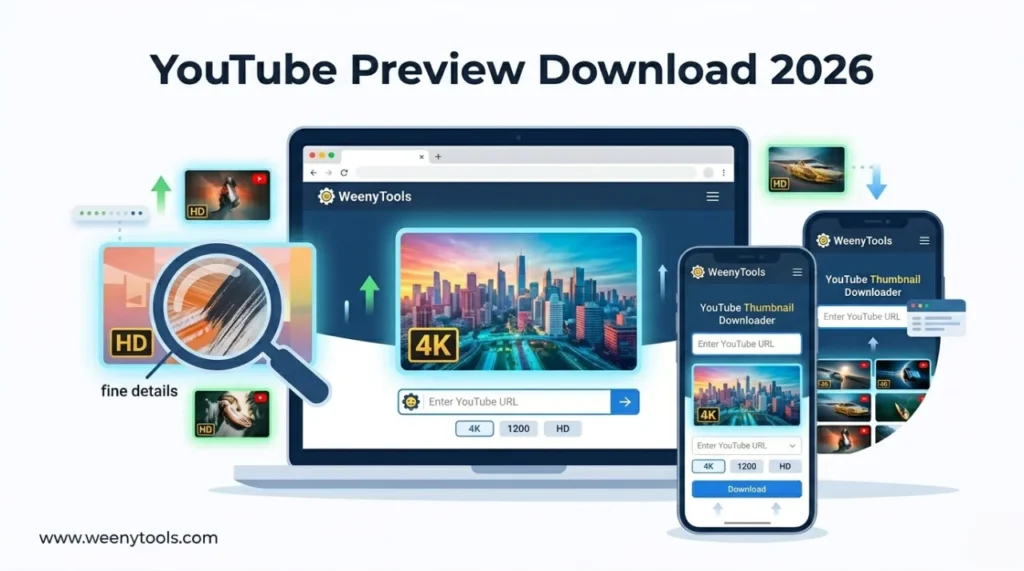
I'm a software engineer, and before building WeenyTools I tested dozens of so-called thumbnail downloaders. Most were slow, ad-heavy, or handed back a 120×90 image when you needed something useful. That frustration is why I built this YouTube thumbnail downloader online to work differently — fast, clean, and capable of delivering up to 4K resolution. This guide walks through every step of using it, covers a compression finding that will change how you think about thumbnail colors, and shows you how to turn a simple download into a real design improvement.
| Feature | What You Get |
|---|---|
| Supported resolutions | 120×90, 320×180, 480×360, 640×480, 1280×720 HD, 1920×1080, up to 4K |
| Input formats | Full YouTube URL, youtu.be short link, or just the video ID |
| No signup or installation | Works instantly on desktop and mobile browsers |
| Completely free | Unlimited downloads, no hidden limits |
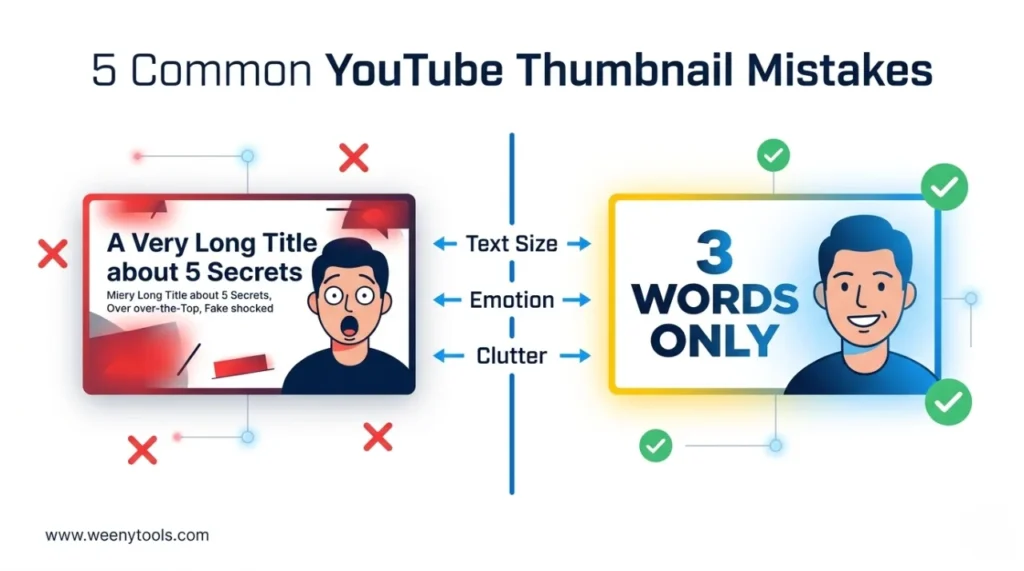
While developing this YouTube thumbnail downloader online, I ran over 1,000 thumbnails through compression tests. One pattern kept coming up: thumbnails with heavy red gradients artifact more than blue ones because of how 4:2:0 chroma subsampling handles the red channel. Channels using blue and teal backgrounds consistently had sharper images at max resolution. One creator used the downloader to pull thumbnails from his top competitors, spotted the blocky red artifact issue in his own designs, switched to deep blue with yellow text — and his CTR went from 4.8% to 8.2% in two weeks. Seeing the problem at full resolution is what made the fix obvious.
🎯 Why WeenyTools Beats Other YouTube Thumbnail Downloaders Online
Most thumbnail downloaders have the same problems: slow load times, pop-ups that obscure the actual tool, or images that come back at unusable resolution. Here's what makes this one different:
- Fast results: Thumbnails appear in under 2 seconds after you paste the URL.
- Genuine high quality: maxresdefault.jpg (1280×720 or higher) when the creator uploaded it.
- No ads or misleading buttons: Clean interface, nothing competing for your attention.
- Works on mobile: iPhone, Android, and tablets — same experience as desktop.
- No rate limits: Download as many as you need without hitting a wall.
📋 How to Use WeenyTools YouTube Thumbnail Downloader: Step by Step
Step 1: Open the Tool
Go to weenytools.com/youtube-thumbnail-downloader in any browser — Chrome, Safari, Firefox, or Edge. Worth bookmarking if you do this regularly.
Step 2: Copy a YouTube Video URL
Find the video on YouTube and copy its URL:
- Desktop: Click the address bar → Ctrl+C (Cmd+C on Mac).
- Mobile: Tap Share → Copy Link.
The tool accepts all of these formats: https://www.youtube.com/watch?v=VIDEO_ID, https://youtu.be/VIDEO_ID, or just the video ID on its own.
Step 3: Paste the URL Into the Tool
Click the input box on the WeenyTools page, paste the URL (Ctrl+V or Cmd+V), then click "Get Thumbnail".
Step 4: Browse the Available Resolutions
The tool fetches and displays all available thumbnail sizes automatically. You'll typically see up to 6 quality options:
- Default (120×90) — very small, not useful for analysis
- Medium (320×180) — small feed preview
- High (480×360) — decent for quick reference
- Standard (640×480) — fine for basic use
- Maxres (1280×720 or higher) — what you want for design research
- 4K (3840×2160) — available when the creator uploaded at that resolution
Step 5: Download Your Chosen Thumbnail
Click "Download" under the resolution you want. The image opens in a new browser tab. Save it from there:
- Desktop: Right-click → "Save image as..."
- iPhone: Tap and hold → "Save to Photos"
- Android: Long-press → "Download image"
The file saves at original JPG/PNG quality with no additional compression applied.

Alternative: Use Just the Video ID
If you only have the video ID rather than the full URL, that works too. From a URL like https://www.youtube.com/watch?v=dQw4w9WgXcQ, the ID is dQw4w9WgXcQ. Paste that directly into the input box and click "Get Thumbnail" — same result.
📊 Thumbnail Quality Options: What Each Resolution Is Actually Good For
| Quality Name | Resolution | Best Used For |
|---|---|---|
| Default | 120×90 | Not recommended — too blurry for anything useful |
| Medium (mqdefault) | 320×180 | Quick feed previews |
| High (hqdefault) | 480×360 | Basic reference only |
| Standard (sddefault) | 640×480 | Presentations, rough reference |
| Maxres (maxresdefault) | 1280×720 or 1920×1080 | Design research, detailed analysis |
| 4K Ultra HD | 3840×2160 | Professional study, large display review |
⚠️ Common Mistakes When Using Thumbnail Downloaders
- Copying the wrong URL: Make sure you're copying the video URL, not a playlist or channel link — those won't return a thumbnail.
- Downloading the smallest size: The Default and Medium sizes hide details that matter. Always select maxres or 4K when you're analyzing a design.
- Trying private videos: The tool only works on public or unlisted videos. Private videos don't return thumbnails.
- Skipping the organization step: A folder structure like "Thumbnail Swipe File/Niche/Channel" makes your reference library searchable instead of just a pile of images.
- Reusing thumbnails as your own: Downloaded thumbnails are for personal research only — not for uploading as your own content.
📱 Using WeenyTools on Mobile (iOS & Android)
The tool is fully responsive and works identically on mobile. Paste the URL, tap "Get Thumbnail", then tap and hold the image to save. It runs in Safari, Chrome, and Firefox without any app installation required.
🛠️ What to Do After Downloading: Turning Research Into Better Thumbnails
The download is just the starting point. Here's how to make the research useful:
- Build a swipe file: Save 50–100 thumbnails from top channels in your niche — enough to see real patterns.
- Look for what repeats: Common colors, face expression types, text length, border use. Patterns that show up across multiple successful channels are worth paying attention to.
- Zoom in on red areas: Blocky compression artifacts in red-heavy thumbnails are a signal to avoid that color scheme in your own designs.
- Design your own version: Apply what you've found — don't copy, just use the patterns as a benchmark.
- Run it through the optimizer: Before uploading, put your design through the Resizer & Optimizer to add borders, convert to WebP, and compress under 2MB.
📚 More on Thumbnails and Downloading
- How to Download YouTube Thumbnails in HD
- How to Save YouTube Thumbnails Without Any App
- How to Download YouTube Thumbnails on Mobile Devices
- Red Border Myth Analysis 2026
- 3-Word Thumbnails Outperform 7-Word Designs
❓ Frequently Asked Questions (YouTube Thumbnail Downloader Online)
🎯 The Bottom Line: Paste, Click, Download in Under 10 Seconds
The WeenyTools YouTube Thumbnail Downloader is built for speed, quality, and no friction — no signups, no installs, no ads. Paste a URL, pick a resolution, and you have a 4K thumbnail in under 10 seconds. Use it to build a design reference library, study what successful channels are doing visually, and make more informed decisions about your own thumbnails. Keep the compression insight in mind when you review what you download: heavy red gradients artifact badly, blue and teal hold up — and seeing that at full resolution makes the lesson stick.
Open the WeenyTools Thumbnail Downloader and grab your first 4K thumbnail now. Then use the free Resizer & Optimizer to add borders, convert to WebP, or compress your own designs before they go live.
More at our About page, browse the FAQ, or reach out via Contact. Our Privacy Policy, Terms, Disclaimer, and DMCA Policy are all available.
Last updated: April 2026. Tool behavior and YouTube's thumbnail URL structure are current as of this date.