YouTube Thumbnail Preview Tool: Optimization Score & Analytics
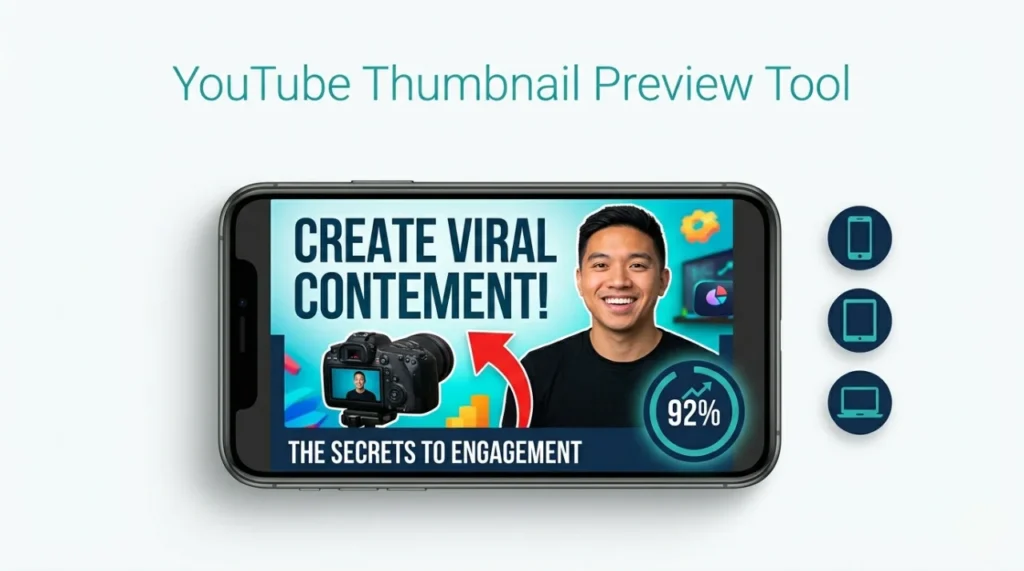
Upload your thumbnail. Get instant previews on mobile, tablet, desktop + AI-powered optimization score.
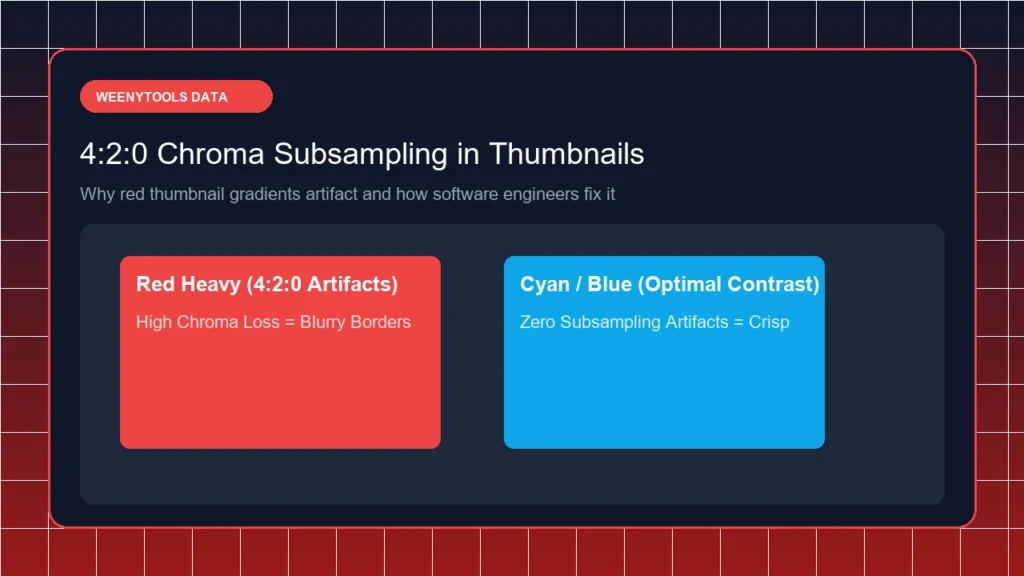
As a software engineer building WeenyTools, I noticed that thumbnails with heavy red gradients often artifact more than blue ones because of how the 4:2:0 subsampling works. But an even bigger problem emerged: creators had no way to preview how their thumbnails would actually look on mobile devices before uploading. That's why I built this YouTube Thumbnail Preview Tool with an AI-powered optimization score to help you fix issues before they cost you clicks.
Upload Your Thumbnail
JPG, PNG, WebP · Max 10MB
📊 Key Takeaways: Thumbnail Optimization Score
| Score Range | Rating | Action Needed |
|---|---|---|
| 90-100 | Excellent | Ready to upload. Great CTR potential. |
| 70-89 | Good | Minor improvements recommended. |
| 50-69 | Needs Work | Fix text size or resolution issues. |
| Below 50 | Poor | Redesign recommended. Use our Resizer tool. |
Why You Need a Thumbnail Preview Tool with Analytics
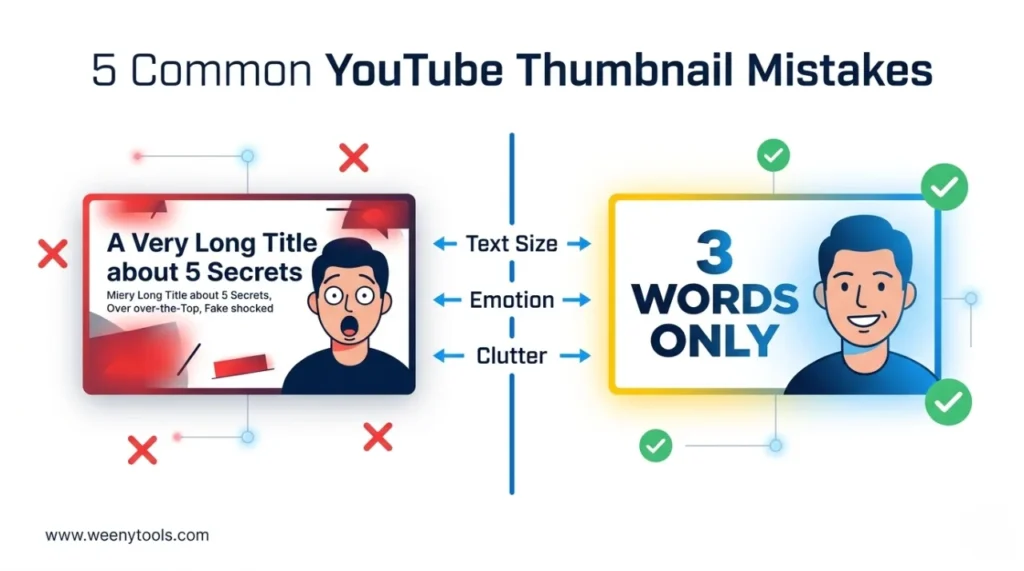
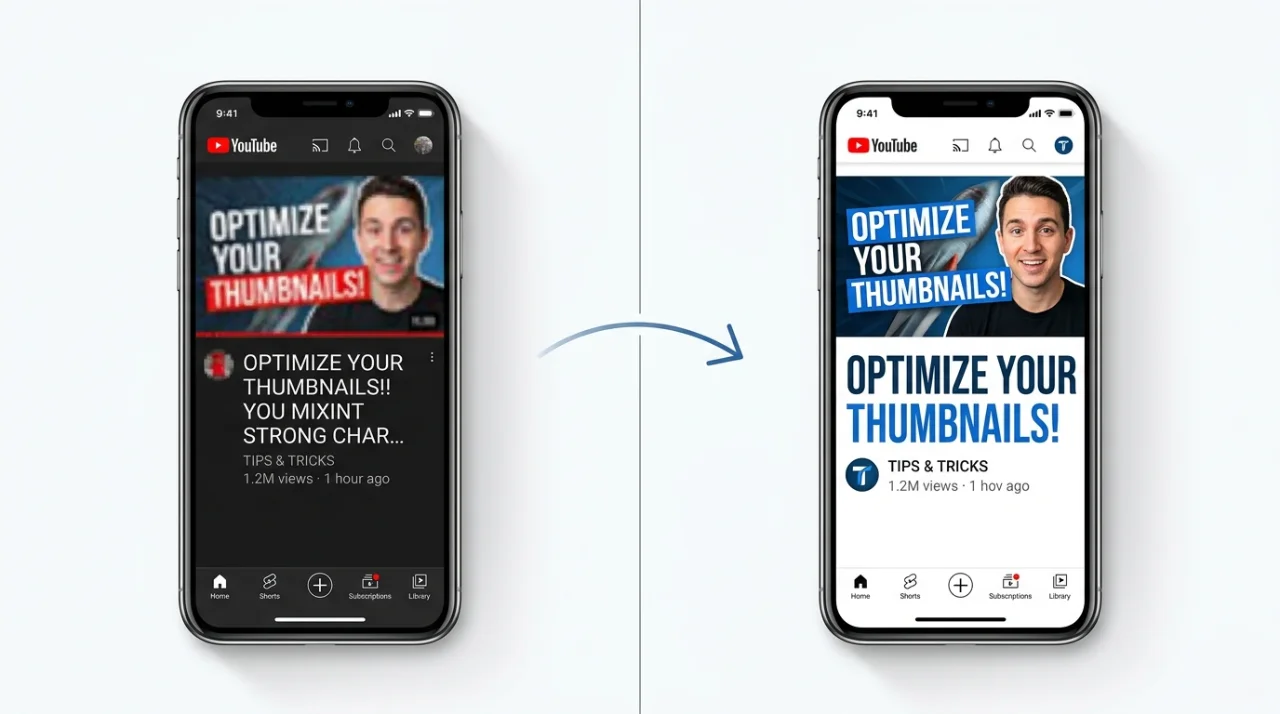
Over 70% of YouTube views happen on mobile devices. Yet most creators design thumbnails on large desktop monitors where everything looks sharp. The result? Thumbnails that looked perfect during editing become pixelated, hard to read, or poorly cropped when viewed on a phone.
How to Use This YouTube Thumbnail Preview Tool
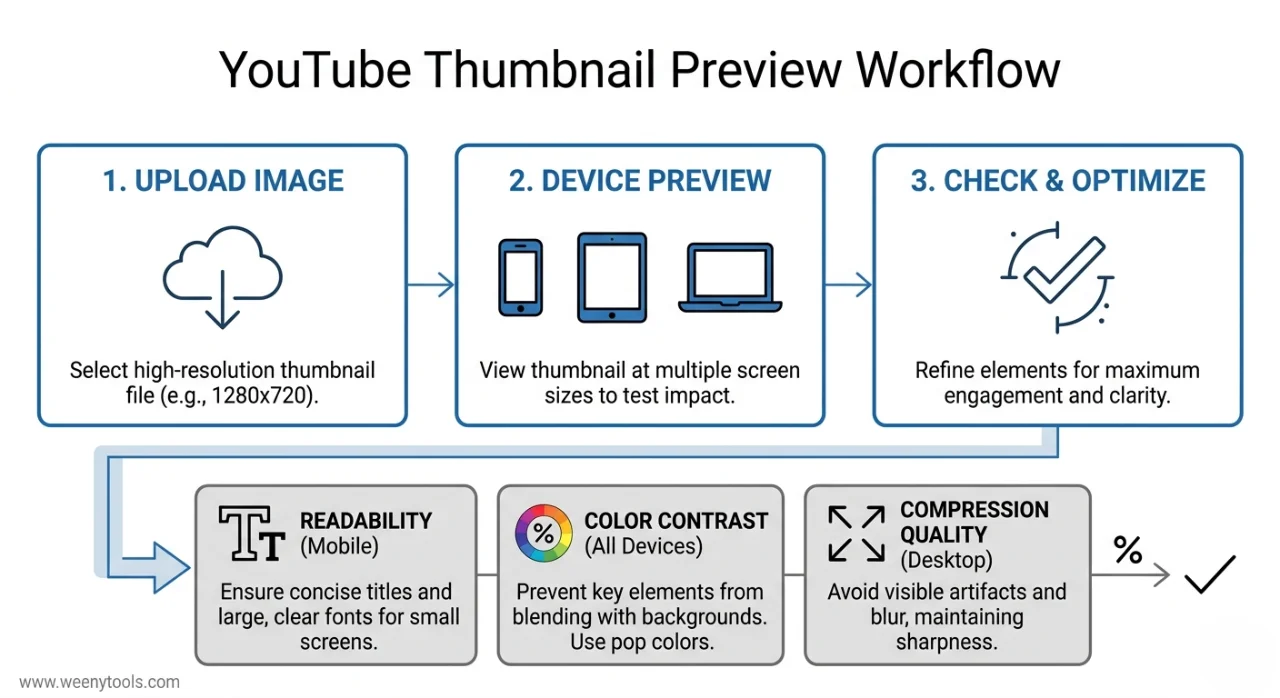
Step 1: Upload Your Thumbnail
Click the upload area or drag and drop your thumbnail file. The tool accepts JPG, PNG, and WebP formats up to 10MB. Your image never leaves your browser — everything happens locally for privacy and speed.
Step 2: Review Your Optimization Score
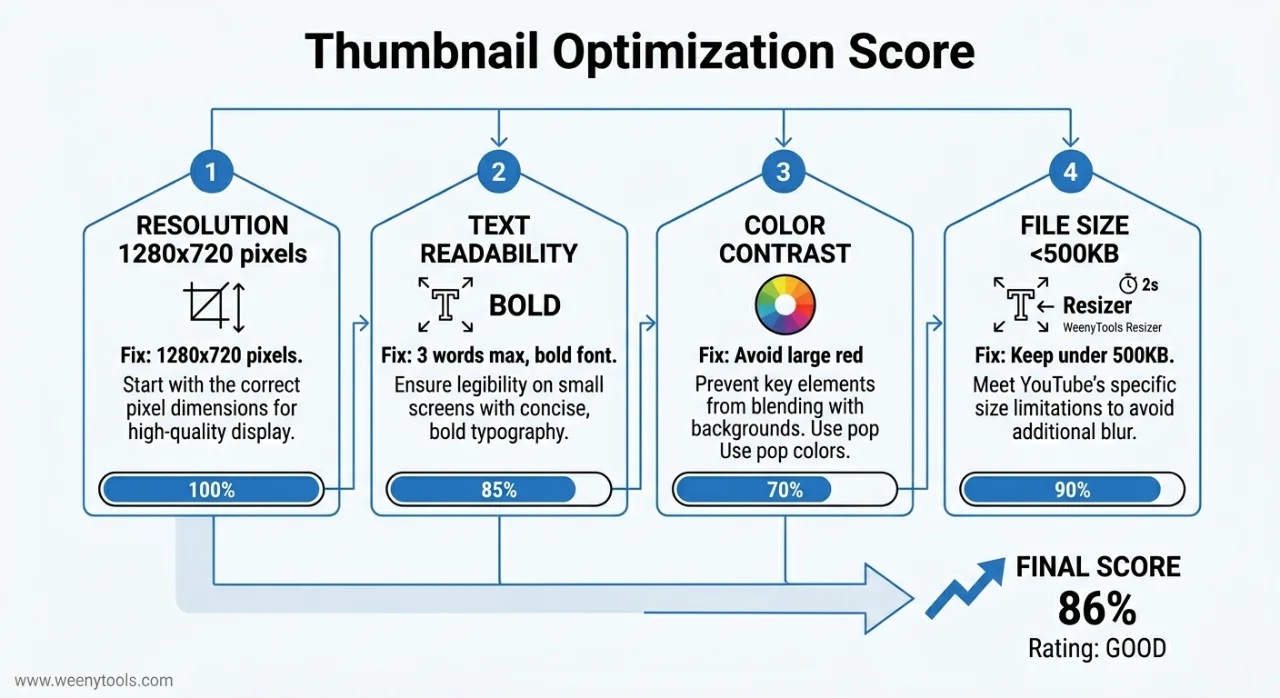
The AI-powered score analyzes four key metrics: resolution (1280x720 ideal), text readability (bold, large fonts), color contrast (complementary pairs), and file size (under 500KB recommended). Each metric gets a sub-score so you know exactly what to fix.
Step 3: Preview on All Devices
See your thumbnail inside mobile, tablet, and desktop mockups. Pay special attention to the mobile view — if text is too small or colors blend together, your audience won't click.
What the Optimization Score Measures
| Metric | Ideal Value | Why It Matters |
|---|---|---|
| Resolution | 1280x720 pixels | YouTube's exact requirement; prevents cropping |
| Text Readability | 3-4 bold words, large font | Mobile viewers need to read in 1 second |
| Color Contrast | Complementary pairs (blue/orange) | Red-heavy images artifact due to 4:2:0 subsampling |
| File Size | 300-500KB | Avoids YouTube's aggressive recompression |
Our Free Tools to Improve Your Score
After using the youtube thumbnail preview tool, take action with these complementary resources:
- YouTube Thumbnail Resizer & Optimizer — Fix resolution, add borders, adjust filters, export as WebP
- YouTube Thumbnail Downloader — Study successful thumbnails in your niche
- Thumbnail Design Guide — Proven strategies for higher CTR
❓ Frequently Asked Questions
Start Testing Your Thumbnails Today
Don't leave your click-through rate to chance. Every upload is an opportunity to attract new subscribers — or push them away with a blurry, unreadable thumbnail. This youtube thumbnail preview tool takes 30 seconds to use and can double your CTR over time.