YouTube Community Tab Strategy: How to Get Views Between Uploads
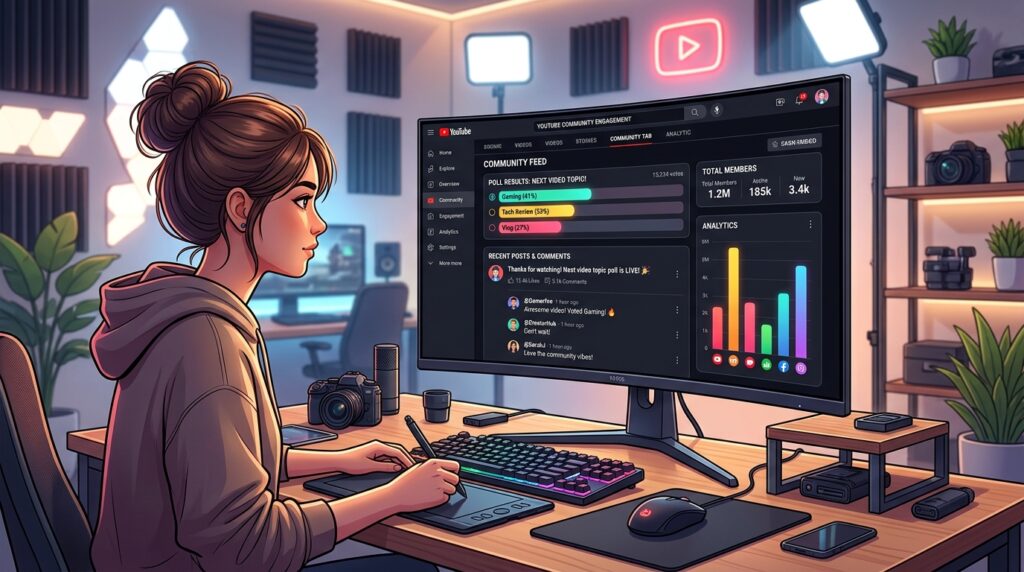
For the vast majority of digital creators, the conventional YouTube lifecycle follows an exhausting feast-or-famine cycle: you spend dozens of hours scripting, filming, and editing a masterpiece, publish it to a burst of initial views, and then watch your analytics flatline into dormancy until the next upload. This erratic traffic pattern severely hurts algorithmic momentum, stifles subscriber bonding, and leaves precious impressions on the table. Fortunately, modern channel optimization offers a formidable organic retention lever: the YouTube Community Tab. When wielded with tactical precision, your Community Feed becomes a 24/7 engagement engine that keeps your channel alive in the recommendation feed, gathers direct feedback, and drives thousands of warm clicks directly into your back catalog between video releases.
Key Takeaways: Community Tab Optimization Benchmarks
| Post Format | Typical Feed Reach vs. Subscribers | Primary Algorithmic Objective | Optimal Publishing Cadence |
|---|---|---|---|
| Interactive Polls (Image & Text) | 300% to 1,200% (High Non-Subscriber Discovery) | Feed impression generation & topic validation | 2 to 4 times weekly |
| Back-Catalog Video Spotlights | 150% to 350% | Long-tail watch time & playlist reactivation | 1 to 2 times weekly |
| Behind-The-Scenes & GIF Teasers | 100% to 250% | Superfan retention & anticipation priming | 24 to 48 hours prior to launch |
| Open Discussion & AMA Threads | 80% to 200% | Comment velocity & qualitative audience data | Once every two weeks |
| Exclusive Community Quizzes | 250% to 600% | Micro-engagement signals & retention hooks | 1 time weekly |
Why the YouTube Community Tab Outperforms External Social Platforms
Many creators reflexively distribute their off-upload updates across third-party platforms like Twitter/X, Instagram, or TikTok, mistakenly believing this expands their omni-channel footprint. While cross-platform branding has merit, directing your core audience away from YouTube introduces massive conversion friction. Third-party social apps deliberately suppress external hyperlinks to prevent users from leaving their walled gardens. When an Instagram user clicks a YouTube link in a bio or story, they are routinely dumped into an in-app web browser where they are not logged in, preventing them from liking, commenting, or subscribing.
The YouTube Community Tab eliminates this entire drop-off funnel. Every Community post renders natively inside the primary YouTube mobile home feed, desktop navigation stream, and subscription drawer. More crucially, YouTube’s recommendation algorithm actively feeds Community posts to viewers who have interacted with your content in the past—even if they have not yet clicked the subscribe button! When a viewer interacts with a Community poll or taps an image post, YouTube interprets this interaction as an immediate signal of viewer affinity, dramatically increasing the likelihood that your next long-form video upload will appear directly at the top of that user’s home screen.
Algorithmic Affinity Boost
Engaging with Community posts updates the user’s viewer history profile. The algorithm recognizes recent interest and prioritizes your long-form thumbnail impressions in their Browse Features.
Zero-Friction Watch Journey
Video attachments and thumbnail cards embedded in Community posts play natively or open seamlessly in the viewer’s authenticated app, preserving instantaneous subscriber conversion.
Rapid Content Ideation
Eliminate speculative guesswork regarding what your viewers want. Test video concepts, thumbnail variations, and script premises through high-velocity voting before touching a camera.
Perpetual Organic Reach
Unlike transient stories that disappear in 24 hours, Community posts remain permanently indexable on your channel hub and continue gathering engagement signals over weeks and months.
The 5 Pillars of a High-Conversion Community Post Strategy
Treating your Community Tab as a casual status update bulletin board will yield mediocre impressions. To transform it into a predictable traffic flywheel, you must deploy deliberate post formats engineered around high-retention psychological triggers.
1. High-Curiosity Interactive Polls (The Infinite Reach Magnet)
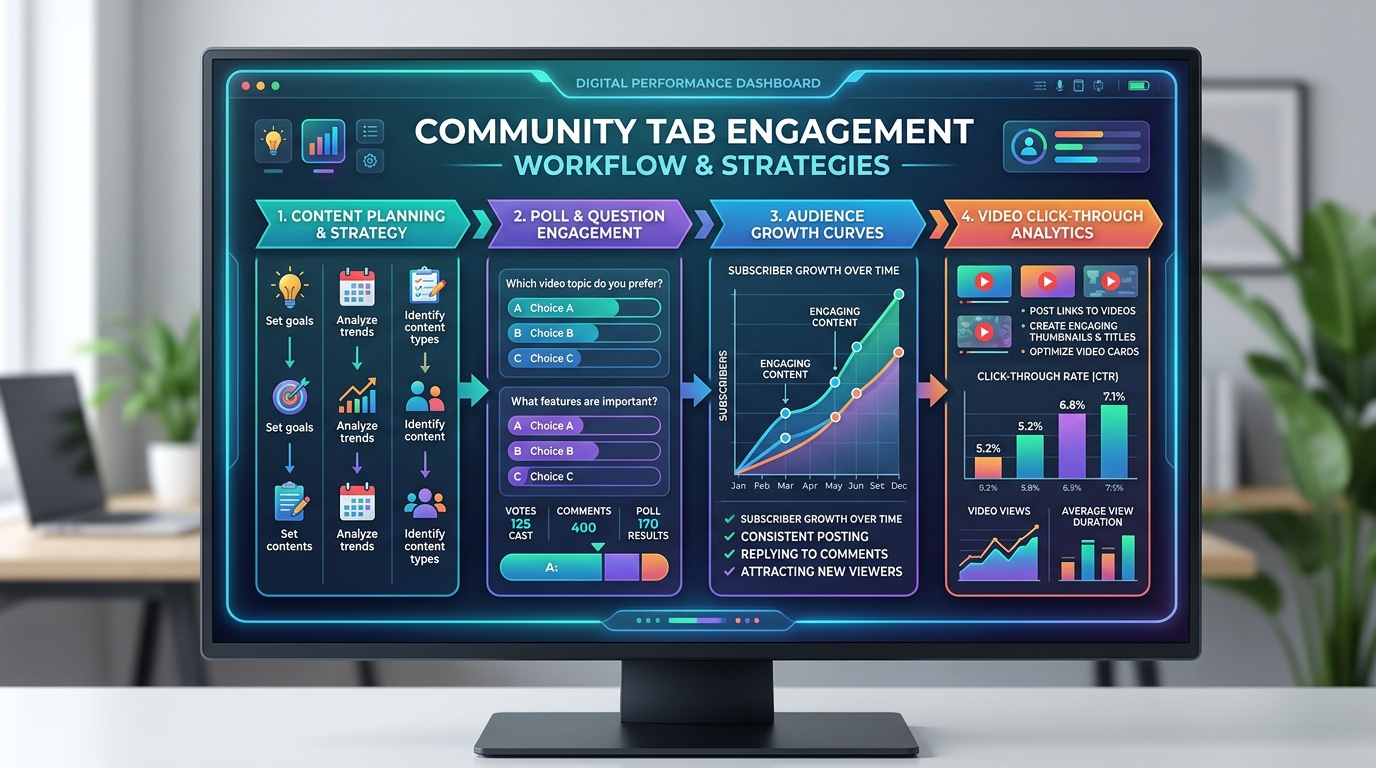
Interactive polls are unquestionably the crown jewel of the Community Tab ecosystem. YouTube’s distribution engine pushes polls further into non-subscriber feeds than any other non-video format because they carry virtually zero barrier to entry. Tapping a single button requires a fraction of a second, yet it delivers a definitive binary or quaternary engagement signal to the algorithm.
To maximize poll click-throughs, steer clear of mundane questions like “Did you like my latest video?”. Instead, craft polarized, intriguing dilemmas, skill self-assessments, or controversial industry debates. For example, a tech channel might ask: “Be honest: How much unedited 4K footage is currently clogging up your hard drives right now?” with relatable answer tiers. Additionally, always leverage YouTube’s Image Poll format over plain text whenever possible; visual contrast and vibrant graphics consistently generate 2.5x higher engagement volume.
2. The “Sequel Teaser” Funnel (Priming Upload Velocity)
A video’s initial 24-hour performance heavily dictates its long-term algorithmic trajectory. If your upload experiences a surge of immediate clicks and prolonged average view duration within the first hour of publication, YouTube triggers expanded testing across broader browse surfaces. You can engineer this initial velocity days in advance using teaser framing on the Community Tab.
Forty-eight hours before dropping a major release, publish a high-resolution production still, a behind-the-scenes editing screen, or a side-by-side thumbnail comparison asking: “Finishing up the master grade on Friday’s deep dive… Which thumbnail variation grabs your eye first?” Not only does this crowd-source split testing data, but it also creates psychological anticipation. When the finished video appears on their feed two days later, viewers feel personal ownership in the project and click immediately.
3. Resurrecting Back-Catalog Evergreen Content
Every established creator possesses a library of stellar evergreen videos that have plateaued in search velocity simply because they are buried beneath newer releases. The Community Tab serves as a free organic billboard to breathe fresh life into this archival goldmine.
Never simply drop a naked URL with “Check out this old video.” Contextualize the resurfaced content around current news, seasonal events, or common community obstacles. Highlight a specific takeaway from the video: “With the new algorithm update rolling out this week, many creators are seeing sudden drop-offs in watch time. If you missed our comprehensive breakdown on optimizing audience retention graphs, here is the exact retention framework we used to fix it.” Attach the video card directly to the post so mobile viewers can launch into full playback with zero friction.
4. Text-Only Value Bombs and Micro-Lessons
Modern YouTube users appreciate rapid, zero-fluff value directly within their feed. Publishing standalone actionable checklists, keyboard shortcut cheat sheets, or concise 5-bullet frameworks builds immense goodwill and positions you as an authoritative educator. When viewers realize your Community posts provide tangible utility without requiring a 15-minute video commitment, they begin actively seeking out your updates, bookmarking posts, and chiming in with detailed comment replies.
5. Community Quizzes & Trivia Gamification
YouTube’s native Quiz feature allows you to test your audience’s technical knowledge and reveal the correct answer instantly upon selection, accompanied by a custom educational explanation. Gamified micro-content taps into natural human competitive instincts. A tutorial channel focusing on video production can post a quiz asking: “What is the standard shutter speed rule when filming 24fps cinematic footage to achieve natural motion blur?” Viewers love validating their expertise, and the accompanying explanation box provides the perfect contextual bridge to link your comprehensive video editing masterclass.
Step-by-Step Weekly Community Scheduling Framework
Consistency is just as critical for community posts as it is for long-form video production. Establishing an orderly editorial cadence prevents creator burnout while ensuring your channel maintains a constant presence in viewer timelines.
Monday: High-Energy Poll
Kick off the week with a provocative industry question, relatable pain-point poll, or gear debate to generate thousands of low-friction algorithmic signals.
Wednesday: Deep Back-Catalog Link
Surface an evergreen tutorial or case study from your archive that directly solves a persistent challenge identified in Monday’s community discussions.
Thursday: Friday Teaser & Asset Test
Post a sneak peek screenshot or A/B thumbnail graphic from your upcoming weekend release, priming audience anticipation and boosting Day-1 click velocity.
Saturday: Value Checklist or Quiz
Deliver a concise, zero-fluff text summary or interactive quiz reinforcing key insights from your Friday video release to solidify viewer comprehension.
Common Community Tab Mistakes That Destroy Reach
While the Community Tab is an extraordinary organic growth accelerator, common implementation missteps can cripple your feed visibility and disengage your audience:
- Overusing External Affiliate Links: Loading your Community feed with repetitive sponsor pitches, Amazon affiliate links, or Patreon promotions trains your audience to ignore your posts as commercial spam. Follow an 80/20 rule: 80% pure education and community entertainment, 20% promotional asks.
- Publishing Vague, Low-Effort Text Updates: Status updates like “New video soon!” or “What are you guys up to today?” offer zero intrinsic value and generate negligible algorithmic click velocity. Every post should provide a clear takeaway, provocative question, or eye-catching graphic.
- Ignoring Comment Replies in the First Two Hours: The initial 120 minutes following a Community post represent the golden window for comment velocity. Spending 15 minutes actively responding to early commenters signals lively conversation, prompting YouTube to push the thread to a broader cohort of viewers.
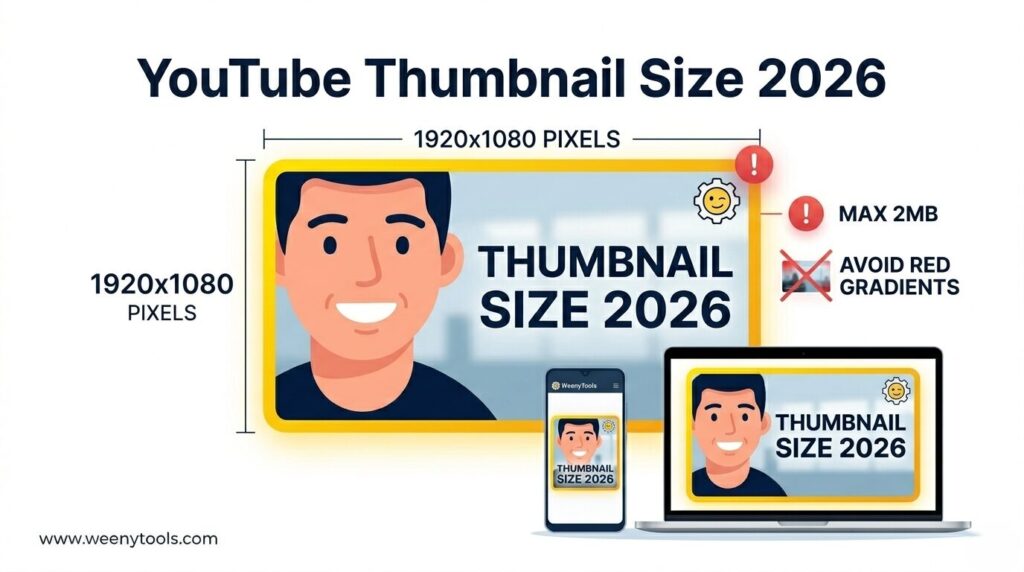
- Failing to Optimize Image Aspect Ratios: YouTube Community feed images render in square (1:1) or wide landscape formats depending on the user’s viewport. Using awkward portrait crops often results in essential text or graphic elements being unceremoniously clipped in mobile feeds. Always verify visual formatting prior to publishing.
Frequently Asked Questions
YouTube has expanded Community Tab access to virtually all creators. Channels with as few as 500 subscribers receive automatic access, and creators can often unlock advanced features earlier by completing one-time channel history verification or video identity verification in YouTube Studio settings.
For most creators, publishing 3 to 5 high-quality community posts per week provides the ideal balance between consistent algorithmic visibility and feed freshness without overwhelming your audience’s subscription feeds.
Yes! In fact, interactive polls and viral image posts routinely achieve higher reach among non-subscribers than subscribers, serving as one of the most powerful top-of-funnel audience discovery mechanisms on the platform.
No. YouTube’s recommendation architecture evaluates video performance and community post engagement independently. A poorly performing community post will not suppress your video analytics; conversely, strong community engagement consistently bolsters viewer affinity and video recommendations.
Unlike long-form video uploads which benefit from publishing 2 to 3 hours before peak viewing times, community posts can be published throughout morning and midday hours when mobile users frequently scroll their feeds during commutes and breaks.