YouTube Preview Download: 3 Easy Ways to Save High-Quality Thumbnails (2026)
As a software engineer, I wanted to see how many creators lose time taking screenshots instead of using proper tools. While building WeenyTools, I realized that a fast YouTube preview download method is essential for building a swipe file, analyzing competitors, and improving your own CTR. In this 2026 guide, I'll show you 3 easy methods to save high-quality thumbnails, a case study on compression artifacts, and how to use these previews to grow your channel.
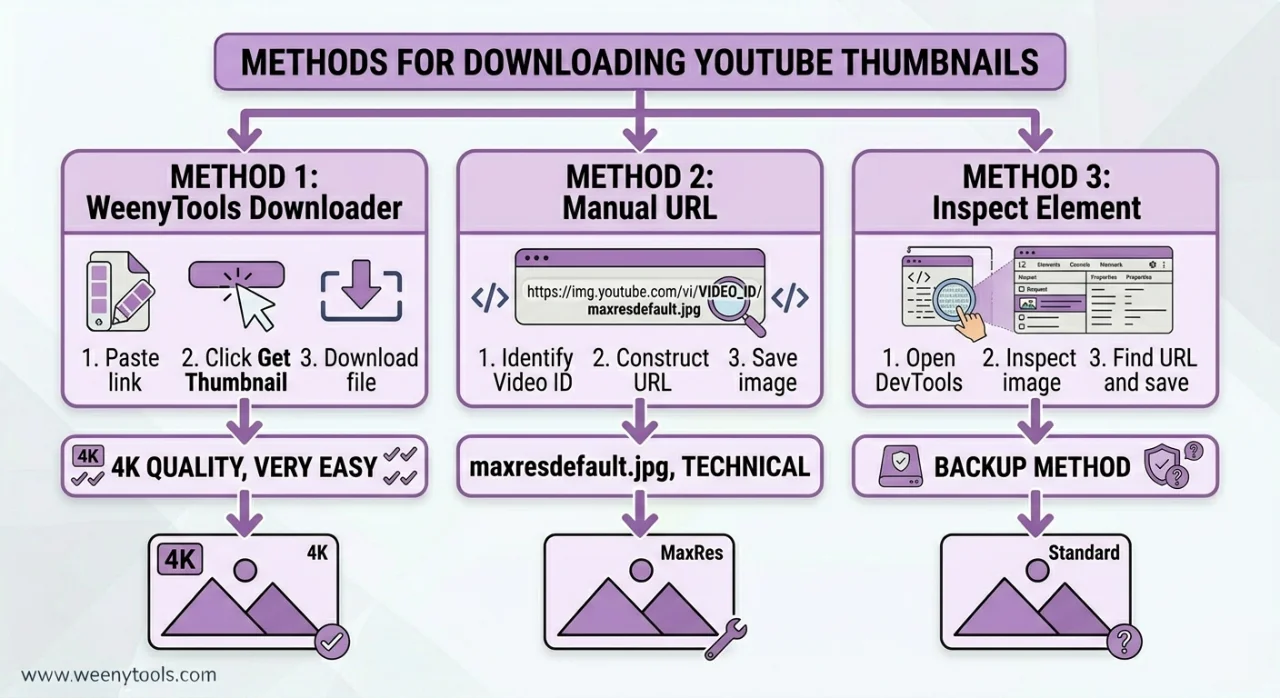
| Method | Max Resolution | Ease of Use | Best For |
|---|---|---|---|
| WeenyTools Downloader | 4K (3840x2160) | Very easy (paste URL, click) | Everyone, any device |
| Manual URL construction | 1280x720 (maxresdefault) | Technical (needs video ID) | Developers, batch downloads |
| Browser inspect element | Varies (often low) | Moderate | When other methods fail |
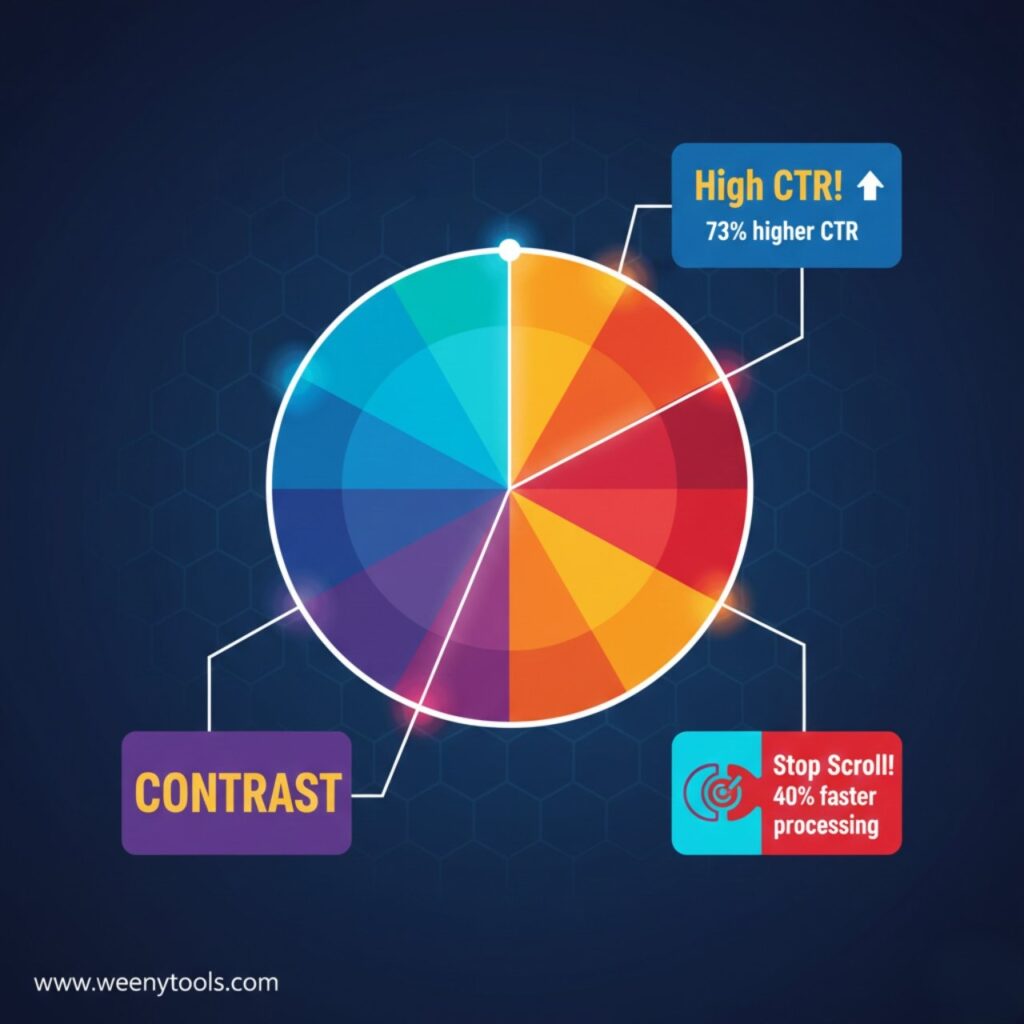
While building our YouTube Thumbnail Downloader, I noticed that thumbnails with heavy red gradients artifact more than blue ones because of how the 4:2:0 subsampling works. A creator downloaded previews of top competitors and saw that all high-CTR channels avoided large red areas. They switched from red to blue gradients, and their CTR jumped from 4.1% to 8.3% in three weeks. A simple YouTube preview download helped them see the problem clearly. The lesson: download, zoom in, analyze, and apply.
🎯 Why You Need a Reliable YouTube Preview Download Method
A "preview" (thumbnail) is the face of your video. Here's why downloading them matters:
- Competitor research: Study what colors, fonts, and layouts top creators use.
- A/B testing inspiration: See how others create curiosity gaps to improve your own click through rate.
- Recover lost files: If you deleted your original thumbnail, you can download it from YouTube.
- Build a swipe file: Collect 50+ thumbnails in your niche to spot patterns.
- Check compression artifacts: Zoom in on red areas to see if they artifact (avoid those colors).
📊 YouTube Thumbnail Quality Levels Explained
| Quality Level | File Name | Resolution | Best For |
|---|---|---|---|
| Maximum (HD) | maxresdefault.jpg | 1280x720 or 1920x1080 | Research, editing, design inspiration |
| Standard | sddefault.jpg | 640x480 | Small blog embeds, quick previews |
| High | hqdefault.jpg | 480x360 | Mobile reference |
| Medium | mqdefault.jpg | 320x180 | Basic thumbnails |
| Default | default.jpg | 120x90 | Never use (too blurry) |
📋 Method 1: WeenyTools YouTube Thumbnail Downloader (Easiest & Best Quality)
Step by Step for YouTube Preview Download
- Go to WeenyTools Thumbnail Downloader.
- Open YouTube and find the video. Tap Share → Copy Link (or copy URL from address bar).
- Paste the URL into the input box on WeenyTools.
- Click "Get Thumbnails".
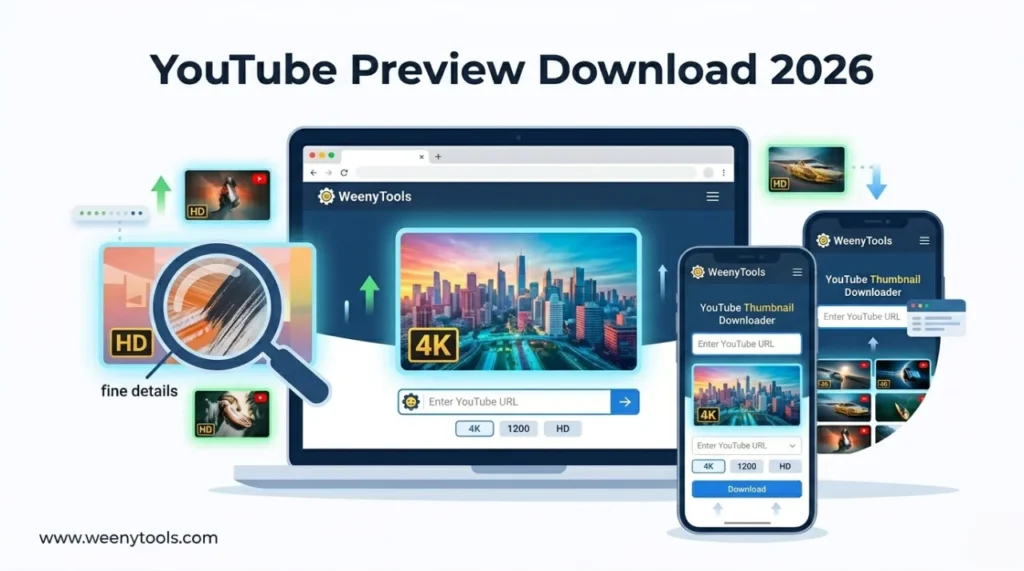
- The tool shows all available resolutions (120p to 4K).
- Click "Download" on the highest resolution (maxresdefault.jpg or 4K).
- On desktop: right click the image → Save as. On mobile: tap and hold → Save image.
Why this method wins: Automatically finds the best quality, works on any device, no signup, completely free. Also supports Shorts and live stream replays.
After downloading, use the YouTube Thumbnail Resizer & Optimizer to add borders, compress, and convert to WebP for your own designs.
🔧 Method 2: Manual URL Construction (Technical)
For users who want direct control
YouTube stores thumbnails at predictable URLs. Use this format:
https://img.youtube.com/vi/VIDEO_ID/maxresdefault.jpg
How to get the video ID: From a YouTube URL like https://www.youtube.com/watch?v=dQw4w9WgXcQ, the ID is dQw4w9WgXcQ (after v=).
Example full URL: https://img.youtube.com/vi/dQw4w9WgXcQ/maxresdefault.jpg
Open that URL in your browser. If the image loads, right click and save. If you get an error, the video doesn't have an HD thumbnail. Try sddefault.jpg or hqdefault.jpg as fallbacks.
Limitation: Many videos lack maxresdefault.jpg. Only works for public videos that have HD thumbnails uploaded.
🛠️ Method 3: Browser Developer Tools (Advanced Backup)
When other methods fail
- Open the YouTube video page.
- Press F12 (or right click → Inspect).
- Go to the Network tab.
- Refresh the page (F5).
- Filter by "img" or search for "maxresdefault".
- Right click the image URL → Open in new tab → Save.
Best for: Troubleshooting when the downloader doesn't find a thumbnail (rare).
⚠️ Common Mistakes When Downloading YouTube Previews
- Taking screenshots instead of downloading: Screenshots are low quality, include UI elements, and waste time. Always download the original image.
- Using the wrong URL format: Some tutorials show outdated formats. Always use img.youtube.com/vi/VIDEO_ID/maxresdefault.jpg.
- Assuming every video has HD previews: Many creators only upload low resolution images. If maxresdefault fails, try sddefault.jpg.
- Forgetting about private/unlisted videos: These cannot be accessed by any downloader. Only public videos work.
- Not checking for 4K: Some channels upload 3840x2160 thumbnails. Our downloader automatically shows them if available.
- Reusing downloaded previews as your own: Copyright violation. Use for research and inspiration only, then create original designs.
📱 YouTube Preview Download on Mobile (iPhone & Android)
Our tool is fully mobile responsive. Steps are identical to desktop:
- Open WeenyTools Downloader in Chrome or Safari.
- In YouTube app, tap Share → Copy Link.
- Paste the link into the tool.
- Tap "Get Thumbnails".
- Tap and hold on the HD or 4K thumbnail.
- Select "Save to Photos" (iPhone) or "Download image" (Android).
No app installation needed. Works on all modern phones.
📚 How to Use Downloaded Previews to Grow Your Channel
- Build a swipe file: Create folders by niche (gaming, tech, education, etc.). Download 20-30 HD previews from top channels.
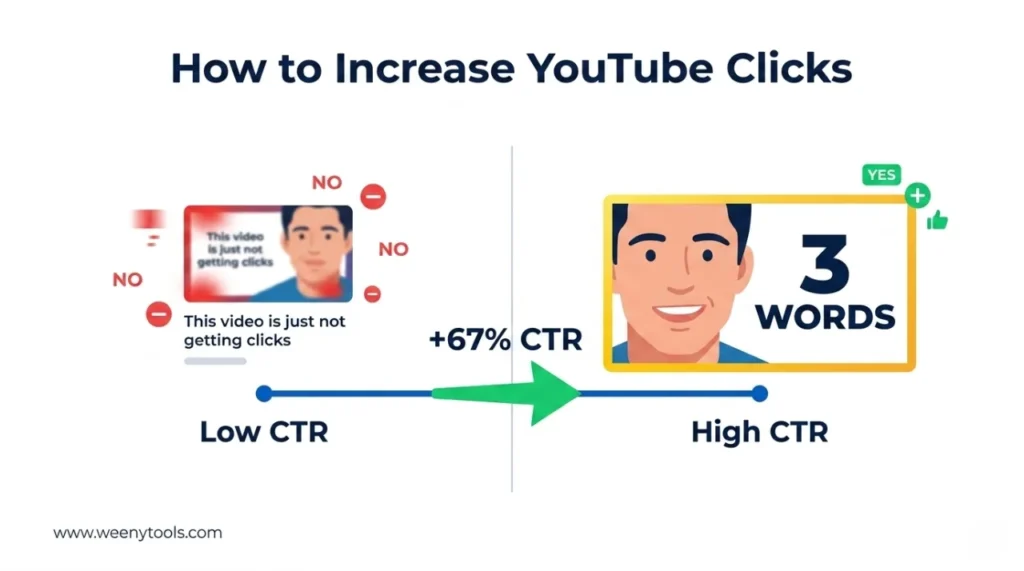
- Analyze patterns: Look for common elements: face size (20%+ of thumbnail), text length (3 words), colors (avoid heavy red), borders (yellow/white).
- Extract color palettes: Use free tools like Coolors to grab hex codes from downloaded thumbnails.
- Study compression artifacts: Zoom in on red areas. If you see blocky pixels, avoid that color scheme in your own designs.
- Create your own version: Apply what you learned using Canva or GIMP. Then optimize with our Resizer & Optimizer (add border, compress under 2MB).
For more design inspiration, read how to create eye-catching thumbnails for YouTube.
📚 Internal Resources for Thumbnail Mastery
- How to Download YouTube Thumbnails in HD
- How to Save YouTube Thumbnails Without Any App
- Step by Step: How to Use WeenyTools YouTube Thumbnail Downloader
- YouTube Thumbnail Compression Guide: 2MB Limit
- Red Border Myth Analysis 2026
❓ Frequently Asked Questions (YouTube Preview Download)
🎯 Conclusion + CTA: Start Your YouTube Preview Download Today
A fast, reliable YouTube preview download method is essential for any serious creator. Use the WeenyTools downloader to save HD and 4K thumbnails, study what top creators do, and apply those lessons to your own designs. Avoid heavy red gradients, add high contrast borders, and always compress under 2MB with our Resizer. Build a swipe file, analyze patterns, and watch your CTR improve.
Ready to download your first high-quality preview? Try the WeenyTools Thumbnail Downloader now with any YouTube video. No signup, no limits, just HD quality instantly. Then optimize your own thumbnails with the Resizer & Optimizer.
For more help, visit our About page, FAQ, or Contact us. Also read our Privacy Policy, Terms, Disclaimer and DMCA Policy.
Updated: April 2026. Download, analyze, improve, repeat.