While building WeenyTools, I noticed that thumbnails with heavy red gradients artifact worse than blue ones because of how 4:2:0 subsampling handles color compression. That one technical rabbit hole taught me something broader: most of the "quality problems" creators worry about aren't gear problems. Your smartphone almost certainly shoots better video than the cameras behind YouTube's biggest hits from 2015.
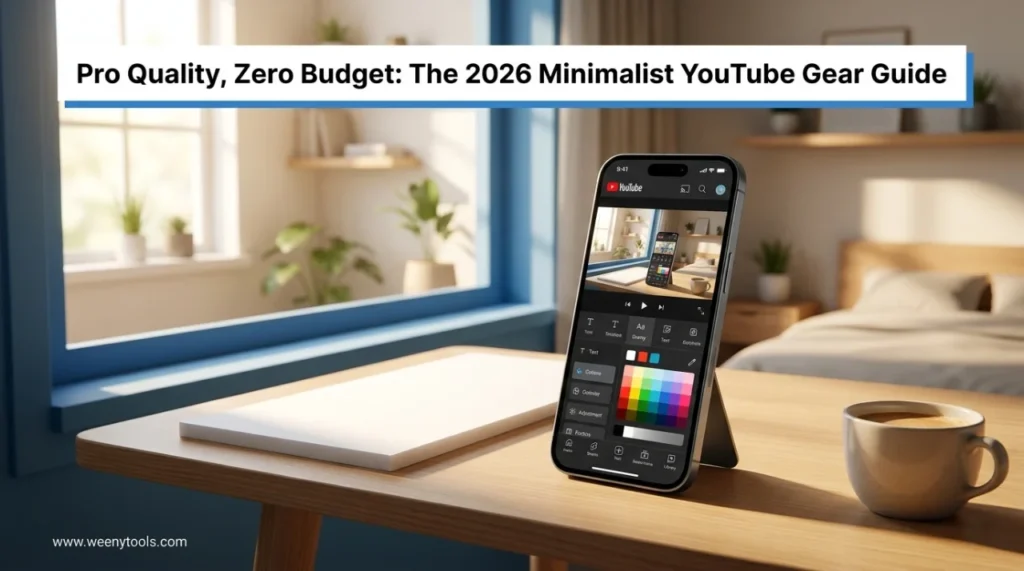
The gear myth is the thing I hear most from people who haven't started yet: "I'll launch once I have a better camera" or "I need a proper mic first." In 2026, that's just not how it works anymore. The best YouTube gear for beginners is already sitting in your pocket. This guide covers exactly how to get professional-looking results without spending a dollar.
📊 The Zero-Budget YouTube Setup at a Glance
| Component | Zero-Budget Solution | What You Get |
|---|---|---|
| Video | Modern smartphone (4K capable) | Crisp, detailed footage |
| Audio | Phone mic + AI enhancement (free) | Studio-quality sound |
| Lighting | Natural window light + white foam board | Soft, flattering illumination |
| Editing | DaVinci Resolve / CapCut (free) | Professional color grading & effects |
| Thumbnails | WeenyTools Resizer + Canva (free) | Click-optimized previews |
Why Gear Matters Less Than You Think
The videos pulling millions of views in 2026 aren't winning because of 8K resolution or $2,000 lenses. They're winning because of strong hooks, clear storytelling, and a real person on camera. MrBeast's early videos were filmed on an iPhone. Marques Brownlee started with a flip phone camera. The gear came after the audience — not before it.
The 4 Pillars of Zero-Budget Production
1. Smartphone Video: Your Secret Weapon
Your phone is a 4K cinema camera. Here's how to get the most out of it:
- Shoot at 4K/30fps: Gives you room to crop and stabilize in post without losing quality
- Clean your lens: A smudged lens does more damage to sharpness than any gear limitation
- Use the rear camera: It's significantly better than the front-facing selfie camera
- Lock exposure and focus: Tap and hold on your face to stop the auto-adjustments mid-sentence
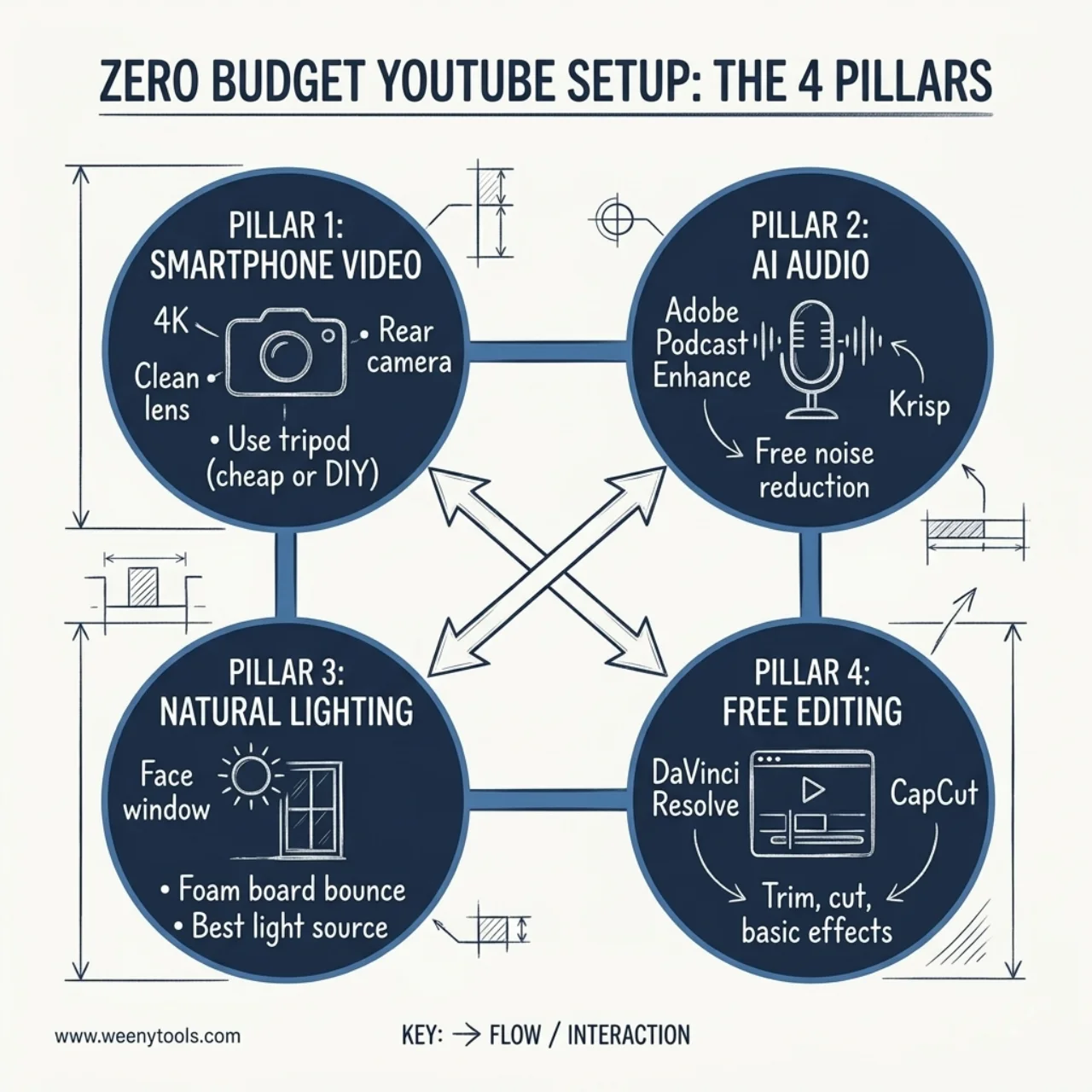
2. Audio: Free AI Does the Heavy Lifting
Bad audio is the number one reason viewers leave. But you don't need a studio mic to fix it — free AI tools can genuinely transform what your phone records:
- Adobe Podcast Enhance (free): Makes any voice recording sound like it came out of a treated studio
- Krisp (free tier): Removes background noise and echo in real-time while you record
- DaVinci Resolve Fairlight (free): Full professional audio cleanup built right into the editing software
3. Lighting: The Free Hollywood Setup
Natural window light is free and often better than cheap LED panels, which tend to cast unflattering color. Here's the setup that works:
- Face a window: Position yourself so light hits your face directly, not from behind you
- Use a white foam board ($1): Place it on the opposite side from the window to bounce light back and fill in shadows
- Film during golden hour: The hour after sunrise or before sunset gives the softest, most flattering natural light
- Soften harsh sun: A white bedsheet over the window diffuses direct sunlight into something much more even
4. Editing: Professional Tools That Cost Nothing
You don't need Adobe Premiere. These free tools are used by working professionals:
| Tool | Best For | Skill Level |
|---|---|---|
| DaVinci Resolve | Professional color grading, effects, audio cleanup | Intermediate to Advanced |
| CapCut | Quick edits, templates, works great on mobile | Beginner |
| Shotcut | Lightweight, open-source, no watermarks | Beginner to Intermediate |
The Thumbnail: Your Free Click Magnet
A great video with a weak thumbnail doesn't get found. After filming and editing, run your thumbnail through our YouTube Thumbnail Resizer and Optimizer to make sure it looks sharp on every device. It's free, runs in your browser, and lets you add borders, adjust colors, and export as WebP for the smallest possible file size.
Pair it with the thumbnail downloader to study what successful creators in your niche are doing visually. Understanding the psychology behind click-through rates will move the needle as much as anything else in this guide.
The Minimalist Creator Workflow (Step by Step)
- Script: Use free AI like ChatGPT or Google Gemini to outline your video — three bullet points is enough to start
- Film: Sit by a window, clean your lens, rear camera at 4K/30fps
- Audio: Record with your phone mic, then run it through Adobe Podcast Enhance (free)
- Edit: Cut mistakes, color grade, add text in DaVinci Resolve or CapCut
- Thumbnail: Design in Canva, then optimize with the WeenyTools Resizer
- Upload: Publish with an SEO-friendly title, description, and tags
Real Examples: Zero-Budget Channels That Actually Grew
Example 1: The Bedroom Coder — A programming tutorial channel filmed entirely on an iPhone 12 with window light. Free AI audio cleanup, DaVinci Resolve for editing. Hit 100,000 subscribers in 8 months. Total gear cost: $0 (already had the phone).
Example 2: The Honest Reviewer — Product reviews filmed on a Google Pixel with natural light. CapCut for editing, our thumbnail resizer for previews. Grew to 50,000 subscribers in 6 months without buying a single piece of equipment.
For more on what's actually driving growth in 2026, our guide on organic growth without ads and our breakdown of why authentic content beats high production are worth reading alongside this one.
❓ Frequently Asked Questions
Your First Video: The 60-Minute Challenge
Planning is a comfortable way to avoid the scary part, which is actually publishing something. Here's a structure that gets you from nothing to uploaded in one hour:
- Minutes 0–10: Write a 3-bullet-point script on your phone
- Minutes 10–25: Film by a window (15 minutes max — done beats perfect)
- Minutes 25–45: Edit in CapCut or DaVinci Resolve — cut mistakes, add text, basic color adjustment
- Minutes 45–55: Make a thumbnail in Canva, run it through the WeenyTools Resizer
- Minutes 55–60: Upload to YouTube with a title, description, and a few tags
The Gear You Already Have Is Enough
The best YouTube starter setup for 2026 is a phone, a window, free software, and something worth saying. That's the whole list.
Every day you wait for better gear is a day your potential audience doesn't find you. The algorithm doesn't score your camera body. It measures watch time, retention, and whether viewers come back. None of that costs money.
Bookmark our free thumbnail resizer, watch one DaVinci Resolve beginner tutorial, and shoot your first video tomorrow. That's the whole plan.
More worth reading: our guides on why thumbnails matter for subscriber growth and the thumbnail mistakes that quietly kill CTR.