Mobile Viewport Thumbnail Test: Font Readability & 3-Word Rule (2026)
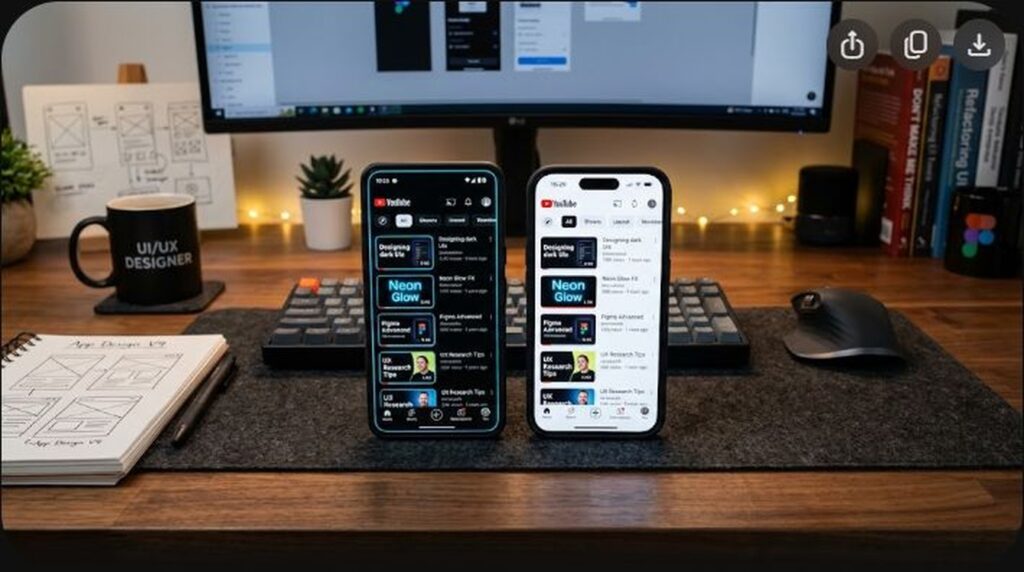
There is a dangerous optical cognitive bias that afflicts nearly every digital creator: we design our YouTube thumbnails on massive 27-inch 4K computer monitors, seated 18 inches away from the glass. On that expansive canvas, a five-word subtitle in a medium-weight sans-serif font looks elegant, perfectly proportioned, and effortless to read. But that is not how the world experiences YouTube.
In 2026, over 75% of all global YouTube watch sessions originate on mobile smartphones, where your 1920×1080 artwork is ruthlessly scaled down to an image less than 1.5 inches wide, competing against a lightning-fast thumb scroll. At that microscopic viewport, subtle font weights dissolve into background noise, tight kerning causes letterforms to bleed together, and complex sentences become illegible visual friction. To maximize organic click-through velocity, every thumbnail must pass the rigorous Mobile Viewport Readability Test and strictly adhere to the 3-Word Rule. In this definitive guide, we reveal the typography physics, cognitive load principles, and pre-flight testing protocols that ensure your thumbnails communicate instantly on any smartphone screen.
Key Takeaways: The Mobile Viewport Protocol
- The 3-Word Hard Limit: High-performing YouTube thumbnails strictly limit on-screen text to 1 to 3 words maximum. Every additional word added beyond three causes a measurable 6% to 12% decay in mobile CTR due to increased cognitive processing load.
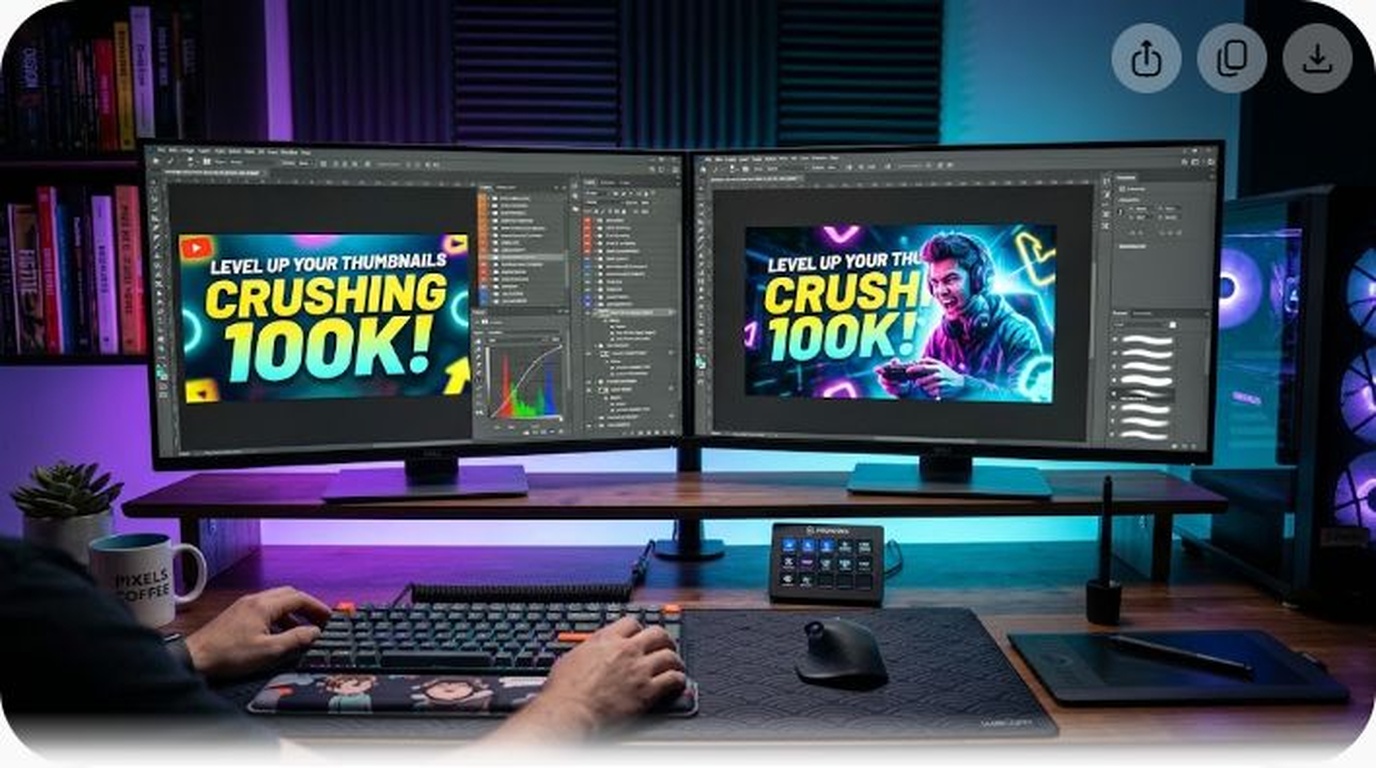
- The 10% Zoom Shrink Test: Before exporting any thumbnail, zoom out to 10% scale in Photoshop (or resize to 200px width). If you cannot read the text in less than 0.2 seconds, the font weight is too thin or the background contrast is insufficient.
- High X-Height & Heavy Font Weights: Fonts with a tall “x-height” (the height of lowercase letters relative to uppercase) and ultra-bold black weights (like Montserrat Black, Impact, and Anton) maintain legibility at tiny physical resolutions.
- Tight Negative Kerning: Spreading letters out with loose tracking looks elegant in print, but destroys legibility on mobile feeds. Tightening tracking (kerning between -20 and -40) locks letters into cohesive word shapes that the brain processes as single ideograms.
- Never Restate the Video Title: The thumbnail text and the video title must form an asymmetrical curiosity hook. If your title is “How to Build a Custom PC,” your thumbnail text should say “DON’T BUY THIS” or “BIG MISTAKE!”, creating an irresistible curiosity gap.
The Neuroscience of Mobile Scanning: Cognitive Load Theory
To engineer thumbnails that win on mobile devices, you must understand how the human brain processes visual stimuli while scrolling. When a user opens the YouTube app on an iPhone or Android device, their thumb scrolls through dozens of video cards in seconds.
According to Cognitive Load Theory, working memory has severely limited processing capacity:
- Instant Recognition (System 1 Thinking): The brain scans shapes, colors, and human faces automatically without conscious cognitive effort. This takes under 100 milliseconds.
- Decodable Reading (System 2 Thinking): Reading text requires conscious cognitive effort. If a thumbnail contains six or seven words, the viewer’s brain must actively decode syllables and syntax. In the fast-scrolling mobile environment, users instinctively swipe past content that demands excessive mental effort.
- The 3-Word Ideogram Threshold: When text is restricted to 1, 2, or 3 massive words, the brain does not read the individual letters. Instead, it recognizes the overall silhouette of the word as a single visual symbol (ideogram), absorbing the message with zero cognitive friction.
Typography Architecture: Selecting High-Converting Thumbnail Fonts
Not all fonts are engineered to survive extreme downscaling. Choosing the wrong typeface guarantees mobile illegibility:
| Font Family | Optimal Weight | X-Height / Geometry | Mobile Legibility Score |
|---|---|---|---|
| Montserrat | Black / Extra Bold (900) | Very high x-height, geometric, modern grotesque | 9.8 / 10 (Gold Standard) |
| Impact | Standard (Ultra Heavy) | Narrow condensed, thick vertical stems | 9.5 / 10 (Classic High-Impact) |
| Bebas Neue | Bold / Pro | All-caps condensed display font | 9.2 / 10 (Clean Verticality) |
| Anton | Standard Bold | Modernized condensed sans with solid counters | 9.0 / 10 (Punchy & Reliable) |
| Times New Roman / Garamond | Regular / Semi-Bold | Delicate serifs, thin horizontal strokes | 2.1 / 10 (Completely Illegible) |
| Script / Handwritten Fonts | Any | Cursive flourishes, variable stroke weights | 1.5 / 10 (Instant CTR Killer) |
The 3-Word Rule in Practice: Asymmetrical Titling
The single biggest mistake in YouTube thumbnail copywriting is duplication. If your title is “10 Best Lenses for Sony A7IV in 2026,” putting “10 Best Sony Lenses” on the thumbnail wastes your most valuable visual asset. The viewer has already seen those words.
Instead, use the thumbnail text to create an asymmetrical curiosity hook:
Formula 1: The Contrarian Reversal
- Video Title: “Why I Stopped Using Notion for Productivity”
- Thumbnail Text:
IT'S A TRAP!(Bright yellow text with dark drop shadow) - Psychological Trigger: Challenges the dominant orthodoxy; forces Notion users to defend their workflow.
Formula 2: The Stakes Magnifier
- Video Title: “DaVinci Resolve vs Premiere Pro 2026: Speed & Export Test”
- Thumbnail Text:
NO CONTEST.(Stark white text with red bounding box) - Psychological Trigger: Promises a decisive, definitive conclusion rather than a boring neutral comparison.
Formula 3: The Cost of Inaction
- Video Title: “How to Set Up 32-Bit Float Audio in OBS Studio”
- Thumbnail Text:
NEVER CLIP.(Vibrant cyan text with directional arrow) - Psychological Trigger: Focuses on the permanent elimination of a painful technical headache (audio distortion).
The 4-Step Pre-Flight Mobile Readability Diagnostic
Before saving your final thumbnail file and uploading it to YouTube Studio, run your artwork through this rigorous four-step pre-flight checklist:
Step 1: The 10% Zoom Shrink Test
In Photoshop or your design suite, press Ctrl + 0 to fit the canvas, then repeatedly press Ctrl + - until the zoom level reads 10% to 12%. Step back two feet from your monitor. Can you immediately read every word of your text hook within 0.2 seconds? If not, scale up the font size by 20% or shorten the phrase.
Step 2: The Grayscale Luminance Check
Add a temporary Black & White Adjustment Layer at the very top of your layer stack. Stripping all color allows you to evaluate raw luminance contrast. Does your text stand out clearly against the background in pure monochrome? If the letters blend into the gray background values, your design lacks sufficient brightness contrast.
Step 3: The Mobile Chrome Overlay Test
Import a transparent PNG overlay of YouTube’s mobile interface chrome (including the bottom-right timestamp badge and the top title shadow). Ensure your text is positioned comfortably on the left side or upper-center, completely clear of the bottom-right timestamp zone.
Step 4: The 1-Second Blurry Blink Test
Close your eyes, look toward your scaled-down thumbnail, open your eyes for exactly one second, and close them again. What single message or emotion did your brain retain? If your brain captured a confusing mixture of words, background objects, and facial confusion, simplify the layout down to three core elements.
Frequently Asked Questions (FAQ)
Should all words in a thumbnail be capitalized (ALL CAPS)?
Yes. In thumbnail design, all-caps (uppercase) typography creates clean, rectangular bounding blocks that are significantly easier for the human eye to process at small mobile resolutions than mixed-case sentences with variable ascenders and descenders (like ‘b’, ‘d’, ‘p’, and ‘y’).
Can a thumbnail perform well with ZERO words of text?
Absolutely! Some of the highest-CTR thumbnails in YouTube history contain zero words of text. If your visual subject (an incredible physical transformation, a bizarre visual artifact, or an intense facial expression) tells a complete, compelling story on its own, adding text is unnecessary and can distract from the visual drama.
What font size should I use in Photoshop at 1080p resolution?
At 1920×1080 resolution, your primary text should generally be set between 140pt and 240pt, depending on word count and font family. As a general rule, your text cluster should occupy between 20% and 30% of the total canvas width.
How do I make text readable over busy, cluttered backgrounds?
Never place naked text over complex textures. You have three proven remedies: (1) Apply a dark linear gradient or radial vignette directly behind the text; (2) Apply a tight 2px contact drop shadow paired with a soft 25px ambient shadow; or (3) Place the text inside a solid, high-contrast rounded bounding box.
Does YouTube downscale thumbnails differently on iOS vs Android?
YouTube’s mobile app renders thumbnail images dynamically based on device pixel density (Retina / OLED display ppi). However, the aspect ratio is universally fixed at 16:9. Designing at 1920×1080 or 1280×720 guarantees optimal subpixel scaling across both operating systems.