Rule of Thirds in Thumbnail Composition: Where to Place Text & Subjects (2026)
When a viewer scrolls through YouTube’s mobile Home feed or glances at the Suggested sidebar, your thumbnail has exactly 0.3 seconds to capture their gaze, communicate a clear premise, and trigger an impulse to click. Novice creators often treat the 16:9 thumbnail canvas like a high school poster board: they center the subject directly in the middle, paste seven lines of tiny text across the top, and drop random clip art into the corners. The visual result is chaotic, visually exhausting, and algorithmically catastrophic.
Professional YouTube designers, thumbnail agencies, and top-tier creator studios rely on classical visual composition principles refined over centuries by painters and cinematographers—most notably the Rule of Thirds. However, applying the Rule of Thirds to YouTube thumbnails requires crucial modifications to account for YouTube’s mobile interface overlays, timestamp badges, and the human eye’s Z-pattern scanning habit. In this technical composition manual, we break down the geometry of high-converting thumbnails, identify critical UI dead zones, and demonstrate exactly where to position faces, objects, and typography for maximum visual impact in 2026.
Key Takeaways: The Composition Blueprint
- The 3×3 Grid Geometry: The canvas is divided into 9 equal rectangles using two horizontal and two vertical guide lines. The four intersection coordinates (known as “Power Points”) are where human optical fixation naturally focuses first.
- The Right Third Subject Rule: Placing your primary human subject or face along the right vertical third creates visual stability while leaving the left two-thirds open for high-contrast storytelling elements and typography.
- Beware the Bottom-Right UI Dead Zone: YouTube automatically stamps a solid black video duration badge (e.g.,
14:22) in the bottom-right corner. Never place text, facial features, or key visual clues in the bottom 25% of the right third. - The 3-Element Maximum: High-performing thumbnails strictly limit total focal elements to three: (1) Primary Focal Subject, (2) Supporting Contrast Object or Background Context, and (3) Text Element (maximum 3 words). Adding a fourth element drops mobile CTR by an average of 18%.
- The Western Z-Pattern Scan: Eye-tracking heatmaps confirm that viewers scan mobile feeds from top-left to top-right, cutting diagonally down to the bottom-left before resting on the bottom-right. Positioning your textual hook in the top-left anchors this natural gaze trajectory.
Understanding the Geometry of the Rule of Thirds
In standard 1920×1080 (or 1280×720) canvas space, the Rule of Thirds divides the frame into three equal horizontal bands (each 360px tall in 1080p) and three equal vertical columns (each 640px wide in 1080p). The four points where these dividing grid lines intersect are mathematically privileged focal nodes:
- Top-Left Power Point (X: 640, Y: 360): The highest-priority initial scan target for Western language readers. Ideal for punchy emotional text hooks or contrasting secondary objects.
- Top-Right Power Point (X: 1280, Y: 360): The natural resting point for the subject’s eye line. Positioning a human face with the subject’s primary eye directly over this intersection creates immediate psychological intimacy and engagement.
- Bottom-Left Power Point (X: 640, Y: 720): Strong anchor point for supporting graphic elements, directional arrows, or supplementary visual proof (like a benchmark score or product detail).
- Bottom-Right Power Point (X: 1280, Y: 720): High danger zone due to YouTube interface overlays. Best kept clean with simple background gradient or dark vignette.
The YouTube UI Safe Zone Map (Avoiding Overlay Clutter)
Unlike a standalone digital painting or cinema poster, a YouTube thumbnail does not exist in isolation. It is rendered inside YouTube’s application chrome, which dynamically stamps UI widgets across the image:
| Overlay Element | Screen Position | Dimensions / Coverage | Design Protection Rule |
|---|---|---|---|
| Timestamp Duration Badge | Bottom-Right Corner | Covers roughly 20% width × 15% height | Absolute Dead Zone: Never place words, small details, or logos here. |
| Watch Later / Queue Buttons | Top-Right Corner (Desktop Hover) | Covers top 15% on mouseover | Keep top edge clear of secondary typography. |
| Progress Bar (Red Line) | Bottom Edge (Entire Width) | Bottom 8px to 12px | Keep a 20px padding from the absolute bottom border. |
| Safe Canvas Workspace | Left Two-Thirds & Upper Center | 75% of total canvas area | 100% unobstructed across all mobile, TV, and desktop devices. |
Where to Position Your Text Hook
Typography on thumbnails must never repeat the video title. The title is already readable beneath the image. The thumbnail text serves as an emotional amplifier, curiosity trigger, or contrasting counter-argument. Where you position that text determines whether mobile scrollers absorb it:
1. Top-Left Column (The Standard Gold Standard)
Placing bold, sans-serif text (2 to 3 words maximum) along the upper-left third aligns perfectly with Western reading psychology. The viewer scans the text first, understands the conceptual stakes, and their eyes naturally travel across to the expressive face on the right third.
2. Center-Left Block (The Punchy Stagger)
Stacking two large words vertically in the middle-left quadrant (e.g., “DON’T” in bright yellow on top, “BUY” in stark white below) creates strong geometric presence. Use a subtle drop shadow or high-contrast dark backing box to separate the letters from complex backgrounds.
3. Never Center Text Across the Middle
Placing horizontal text directly across the horizontal center equator slices your image in half, destroys background depth, and obscures the focal subject. Always confine text to one specific compositional third.
Eye-Tracking Psychology: Directing Viewer Attention
Elite YouTube thumbnail artists use directional gaze cues to control exactly where viewers look. Humans are biologically hardwired to look at other humans’ eyes—and more importantly, to look in the direction that those eyes are pointing:
- The Direct Gaze (Frontal Connection): Having the creator look directly into the camera lens creates intense personal connection. This is optimal for vlog commentary, advice, and direct emotional storytelling.
- The 45-Degree Gaze (The Curiosity Vector): When the creator’s face is positioned on the right third and looks intently back toward the left third at an object or text hook, viewers instinctively follow their line of sight. This forces the viewer’s brain to inspect the object of interest, dramatically boosting CTR on product reviews and mystery breakdowns.
- The Pointing Gesture: If you use an arm or finger pointing toward an object, align the angle of the arm along one of the Rule of Thirds diagonals. This guides the viewer’s eye smoothly through the composition.
The 10% Mobile Viewport Shrink Test
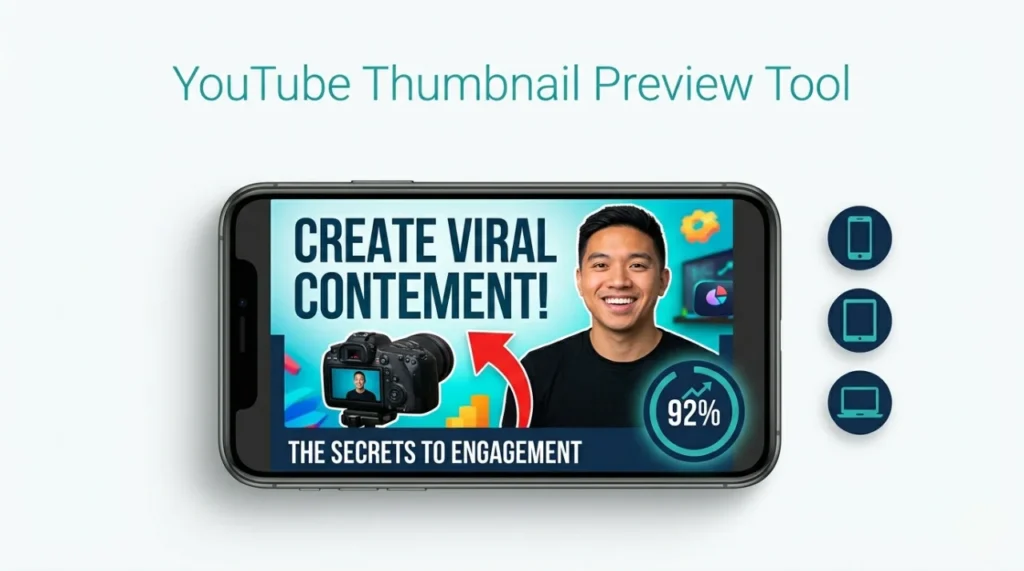
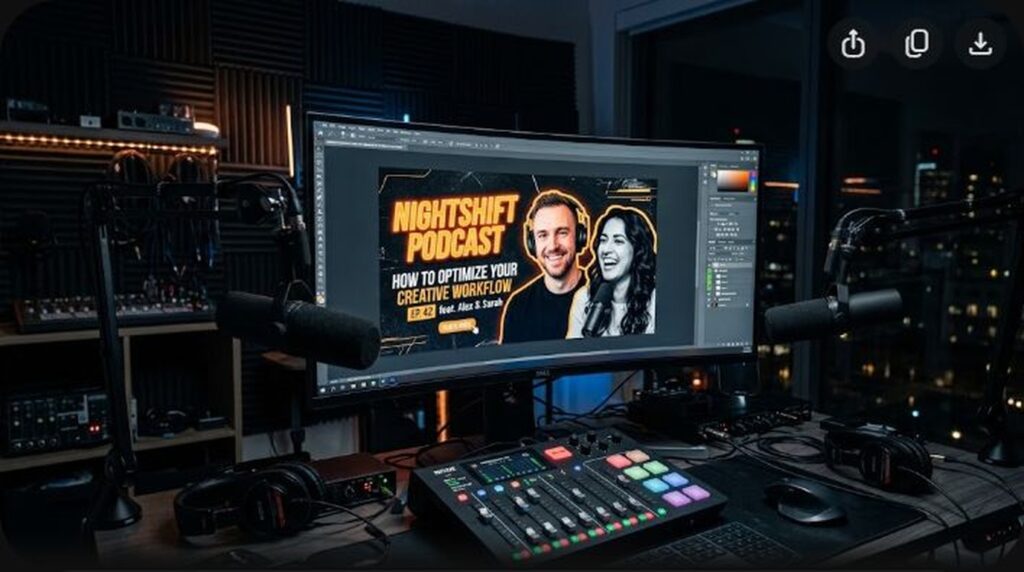
When designing in Photoshop, Figma, or Illustrator on a 27-inch 4K monitor, your thumbnail looks crisp, expansive, and easy to read. However, over 72% of YouTube impressions occur on mobile smartphones, where your thumbnail appears as small as a postage stamp (roughly 1.5 inches wide).
Before exporting your design, zoom out to 10% view scale (or preview at 200px width). Ask yourself these three ruthless diagnostic questions:
- Can I clearly read every word of text in under 1 second without squinting?
- Is the subject’s facial expression or the primary object’s silhouette immediately recognizable?
- Does the thumbnail have enough luminance contrast to stand out against a pitch-black dark mode background?
If the answer to any of these three questions is no, simplify your layout, increase text font weight, or eliminate secondary background clutter.
Frequently Asked Questions (FAQ)
Can I break the Rule of Thirds and center my subject?
Yes. Centered compositions (often called “one-point perspective” or “Wes Anderson symmetry”) work exceptionally well for dramatic before-and-after reveals, architectural reviews, or monumental solitary objects. However, when centering a subject, keep the background completely symmetrical and place text symmetrically above or eliminate text entirely.
What font is best for YouTube thumbnail text?
Heavy, ultra-bold, condensed sans-serif fonts perform best at small mobile viewports. Industry favorites include Montserrat Black, Impact, Bebas Neue, Futura Bold, and Anton. Avoid thin scripts, decorative serif fonts, or cursive typefaces, which turn into illegible blurs at smartphone resolutions.
How many words should I include on a thumbnail?
The golden rule of high-converting thumbnails is 1 to 3 words maximum (never more than 4). A thumbnail is a visual billboard, not an article headline. If your text cannot be read in a fraction of a second, it creates cognitive friction that causes viewers to keep scrolling.
What is the ideal resolution for YouTube thumbnails?
The official recommended resolution is 1280×720 pixels with a minimum width of 640 pixels, formatted in 16:9 aspect ratio. However, designing at 1920×1080 pixels is standard practice in 2026 to ensure razor-sharp rendering on modern 4K desktop displays and smart TVs, while keeping file size under the strict 2MB limit.
Does putting a border around a thumbnail help CTR?
A thin 2px to 4px high-contrast border (in neon green, bright yellow, or pure white) can help separate dark thumbnails from YouTube’s dark mode background. However, thick, cartoonish borders look dated and reduce the usable canvas area. Use subtle outer glows or clean edge contrast instead.