YouTube Community Post Strategy: How to Get Impressions Between Uploads (2026)
For the vast majority of digital creators, running a YouTube channel feels like an exhausting cycle of feast or famine. You spend eighty hours researching, filming, and editing a high-production video, publish it to a surge of views and comments, and then watch in frustration as your channel’s real-time analytics flatline into complete silence for the next two weeks while you produce your next project. This gap in upload frequency causes subscriber momentum to stall, suppresses algorithmic recommendation velocity, and leaves tens of thousands of potential impressions on the table.
The solution to this momentum trap is already sitting on your channel dashboard: the YouTube Community Tab. In 2026, YouTube’s recommendation algorithm treats Community Posts—especially interactive image polls and discussion prompts—as independent algorithmic assets that are served directly onto the mobile Home feeds of both subscribers and non-subscribers alike. In this comprehensive strategic walkthrough, we break down how the modern Community Tab algorithm works, the 4 highest-converting post formats, how to audit your audience affinity signals, and how to use low-friction polls to funnel thousands of warm viewers directly into your back catalog between video releases.
Key Takeaways: The Community Tab Growth Framework
- Community Posts Reach Non-Subscribers: A common misconception is that Community Posts are only visible to existing subscribers. In 2026, YouTube’s Home feed algorithm distributes high-engagement Community polls to broad lookalike viewers who have watched your niche but haven’t subscribed yet.
- The Power of Zero-Friction Engagement: Tapping a poll option takes 0.2 seconds and zero cognitive effort. Because millions of users vote on polls while scrolling, YouTube’s neural networks register massive engagement signals, promoting your channel’s avatar and brand identity.
- Pre-Testing Thumbnail CTR: Use image polls to let your audience vote between two thumbnail concepts 48 hours before publishing your next video. This crowdsources your highest-converting packaging while building anticipation.
- The “Trojan Horse” Back-Catalog Funnel: Pair a controversial or timely discussion poll with a pinned comment linking to an older evergreen video that answers the debate, breathing fresh viral life into older content.
- Optimal Posting Cadence (3 to 5 Posts Weekly): Publish 3 to 4 community updates between video uploads. Spacing them 48 hours apart maintains constant algorithmic activity without triggering notification fatigue.
- Image Sizing Standard (1:1 Ratio): Multi-image polls and photo updates perform best at 1080×1080 or 2048×2048 pixels, perfectly filling the mobile vertical viewport without awkward letterboxing.
How the YouTube Community Algorithm Works in 2026
To leverage the Community Tab effectively, you must understand the algorithmic objective behind its design. YouTube’s primary business priority is keeping users active inside the mobile app. Videos demand significant attention (5 to 30 minutes of focused watching with audio). When users are commuting on a train, waiting in line, or taking a quick break at work, they often do not have the time to watch a full video.
Community Posts fill this micro-attention gap. They provide bite-sized, interactive content that users can consume in seconds. When a user votes on your poll or likes an image post, YouTube’s User Interest Graph logs a powerful affirmative affinity signal:
- Channel Affinity Boost: The user interacted with your channel. The algorithm immediately boosts your channel’s standing in that user’s personal recommendation feed.
- Next Video Priority: When you publish your next long-form video 48 hours later, YouTube places it at the very top of that user’s Home feed because they recently interacted with your Community Post.
- Lookalike Feed Expansion: If a poll receives an unusually high vote-to-impression ratio (above 15%), YouTube tests the poll on the Home feeds of viewers who follow similar creators in your niche, generating free viral impressions.
The 4 Highest-Converting Community Post Formats
Never treat your Community Tab like a lazy RSS feed where you simply paste links saying “Hey guys, check out my new video!”. Links with zero context get buried. Instead, rotate between these four high-engagement templates:
1. The “Divided Opinion” Text Poll
Create a poll around a fundamental, non-offensive debate in your niche. People love expressing their opinion and seeing where they stand compared to the majority:
- Tech Niche Example: “If you had \$1,500 to spend on video gear today, which would you buy first? A) Premium Cinema Lens, B) High-End Audio Interface & Mic, C) Studio Lighting Suite, D) Save it for an upgraded PC.”
- Gaming Niche Example: “What is the single most frustrating mechanic in modern open-world games? A) Weapon Durability, B) Unskippable Escort Quests, C) Stamina Gauges, D) Microtransactions.”
These polls routinely generate 5x to 10x more votes than your average video views, expanding your reach across the platform.
2. The “Thumbnail A/B Test” Image Poll
YouTube’s Image Poll feature allows you to attach up to 4 square images to a poll. Before releasing a major video, take your two best thumbnail concepts and ask your community to vote:
“Working on our biggest comparison video of the year dropping this Thursday! Which thumbnail makes you want to click immediately? Option 1 or Option 2? Let me know why in the comments!”
This serves two massive functions: it gives you empirical click-intent data to pick your winning thumbnail, and it builds immense anticipation for the upcoming release.
3. The “Trojan Horse” Back-Catalog Resurfacer
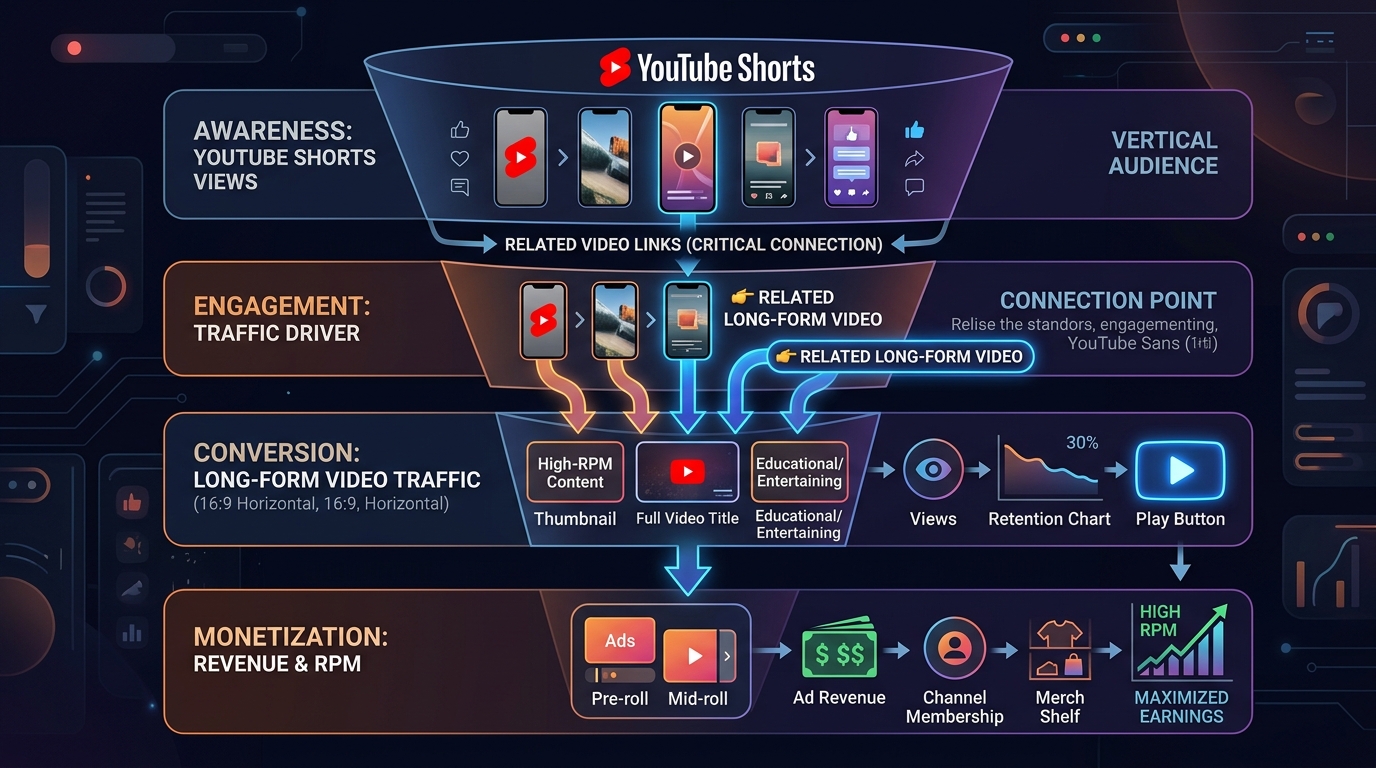
One of the best ways to earn passive revenue is re-igniting traffic on older evergreen videos. Post an engaging question related to an older video, and link the video in the post and pinned comment:
“Quick poll: Did you know that Windows 11 has a hidden setting that cuts your external microphone volume by 80%? Have you ever noticed your mic sounding quiet in OBS? A) Yes, drives me crazy, B) No, sounds fine, C) I didn’t know this was a bug. (PS: If your mic is too quiet, I broke down the 5-step fix here: [Link])”
This converts casual voters into active video viewers, sending a sudden burst of watch time to an older asset.
4. The Raw Behind-the-Scenes Photo
Occasionally, post a single high-quality photo of your real workspace, a messy studio build, or a timeline with 50 audio tracks, accompanied by a vulnerable, authentic creator caption. Audiences on YouTube crave humanity; behind-the-scenes posts build deep parasocial loyalty that converts casual viewers into lifelong fans.
Advanced Image Poll Design Specifications
To ensure your Community image polls look crisp and professional on high-density Retina and OLED smartphone screens, follow these precise graphic design standards:
- Aspect Ratio: Strictly 1:1 (Square). If you upload a 16:9 thumbnail into an image poll, YouTube crops the left and right borders, cutting off your text.
- Resolution Target:
1080 x 1080or2048 x 2048pixels. - File Format: 24-bit sRGB JPEG or PNG (under 16MB).
- Contrast & Legibility: Mobile users scroll fast. Use high-contrast color pairings (e.g., bright yellow text on dark charcoal backgrounds) with bold, sans-serif typography to ensure instant readability.
Auditing Community Tab Performance in YouTube Studio
Many creators fail to measure their Community Tab ROI because the data is tucked inside YouTube Studio’s deeper analytics views:
- Open YouTube Studio > Analytics > Content tab.
- Click on the Posts sub-tab at the top.
- Examine your Post Impressions and Post Likes / Votes cards.
- Identify your top-performing polls. You will quickly observe that polls with 4 concise options (under 6 words per option) generate 300% more votes than long, paragraph-heavy questions.
- Check the Returning Viewers metric on your channel overview. A healthy Community Tab strategy directly stabilizes returning viewer counts, smoothing out the peaks and valleys between upload dates.
Community Post Strategy Matrix
| Post Format | Algorithmic Goal | Expected Engagement Ratio | Best Timing |
|---|---|---|---|
| Interactive Text Poll | Broad reach to non-subscribers on Home feed | 15% – 25% Vote/Impression | Mid-week between uploads |
| Thumbnail Image Poll | CTR pre-qualification & anticipation build | 12% – 18% Vote/Impression | 24-48 hours before new upload |
| Back-Catalog Link Poll | Drive session time into older evergreen videos | 5% – 8% Click-Through | Weekends or slow news days |
| Behind-the-Scenes Photo | Deepen subscriber loyalty & comment velocity | High Comments / Likes | During heavy production cycles |
Frequently Asked Questions (FAQ)
Do Community Posts notify all my subscribers?
No. By default, Community Posts do not trigger intrusive push notifications to subscribers’ phones unless the subscriber has specifically enabled “All Notifications” (the bell icon) for your channel. Instead, YouTube distributes Community Posts organically through the Home feed and Subscription feed algorithmically based on user interest.
How many subscribers do I need to unlock the Community Tab?
YouTube has removed all subscriber thresholds for the Community Tab. Channels with zero subscribers can access the Community Tab provided they have completed Advanced Features verification (via video verification, valid ID, or channel history) in YouTube Studio > Settings > Channel > Feature Eligibility.
Can Community Posts be scheduled in advance?
Yes! In YouTube Studio, you can draft multiple Community Posts and schedule them to publish on specific days and times. This allows you to plan an entire month’s worth of engagement polls in a single 30-minute planning session.
Does posting too often on the Community Tab hurt my channel?
Posting 5 to 10 times a day can annoy subscribers and lead to unsubscribes. However, posting once every 24 to 48 hours is the sweet spot. A consistent cadence of 3 to 4 thoughtful community interactions per week keeps your channel permanently warm in the recommendation algorithm without causing audience fatigue.
Do votes on Community Polls help my channel monetize?
Poll votes do not generate direct ad revenue, but they directly accelerate channel monetization in two ways: first, polls frequently convert voting non-subscribers into full channel subscribers; second, polls boost your channel’s affinity score, ensuring that your monetized long-form videos get higher impression placement on viewers’ Home feeds.