High CTR but Low Average View Duration: How to Fix the YouTube Retention Gap (2026)
You launch your latest YouTube video, open YouTube Studio two hours later, and your eyes light up: your Click-Through Rate (CTR) is soaring at an extraordinary 14.2%. The packaging is flawless, the thumbnail is arresting, and viewers are eagerly clicking into the video across Home feeds and search queries. But when you scroll down to inspect your watch time, your heart sinks: the Average View Duration (AVD) is an abysmal 1 minute and 12 seconds on a 12-minute video (an 8% retention rate). Within 18 hours, YouTube’s recommendation algorithm abruptly slams the brakes on your impressions, and your view velocity flatlines into total dormancy.
This agonizing scenario—high CTR paired with disastrously low retention—is the most dangerous trap in modern YouTube channel growth. Many creators mistakenly celebrate a double-digit CTR without realizing that to YouTube’s modern satisfaction AI, a high click-through rate accompanied by an immediate viewer drop-off is the digital fingerprint of unfulfilled clickbait. In this comprehensive engineering guide, we dissect the YouTube 2×2 Performance Matrix, identify why viewers abandon your video after clicking, and provide 5 tactical production fixes to bridge the retention gap and trigger the viral recommendation flywheel.
Key Takeaways: The Retention Gap Recovery Plan
- The Algorithmic Danger of High CTR + Low AVD: When thousands of viewers click your thumbnail but immediately exit within the first 60 seconds, YouTube flags the video as “Dissatisfying”. The algorithm prioritizes user session satisfaction above clicks; a high CTR cannot save a video with a broken retention curve.
- The “Expectation Gap” is the Root Cause: In 90% of cases, viewers leave not because the video production is poor, but because the video’s opening 30 seconds fails to immediately validate the specific curiosity or emotional payoff promised by the thumbnail and title.
- Deliver on the Thumbnail Within 10 Seconds: Whatever visual element, bold claim, or dramatic subject matter earned the click must be visually and verbally acknowledged in the opening 10 seconds of the edit.
- Eliminate “Host Fatigue” Intros: Never open a video with channel updates, social media callouts, sponsor reads, or extended personal backstory. Open directly in media res (in the middle of the action).
- Deploy Pattern Interrupts Every 45 Seconds: Human attention decays exponentially. Re-engage viewer dopamine using camera angle changes, visual b-roll overlays, kinetic sound effects, and unexpected narrative micro-stakes.
The YouTube 2×2 Performance Diagnostic Matrix
YouTube’s recommendation system does not evaluate metrics in isolation. The algorithm constantly pairs your Packaging Metric (CTR) with your Consumption Metric (AVD / Percentage Viewed) to determine whether a video should be pushed to broader lookalike audiences:
| Metric Quadrant | Algorithmic Classification | Strategic Action Required |
|---|---|---|
| High CTR + High AVD | The Viral Flywheel | Do not touch anything! YouTube will push impressions to broad, cold audiences. |
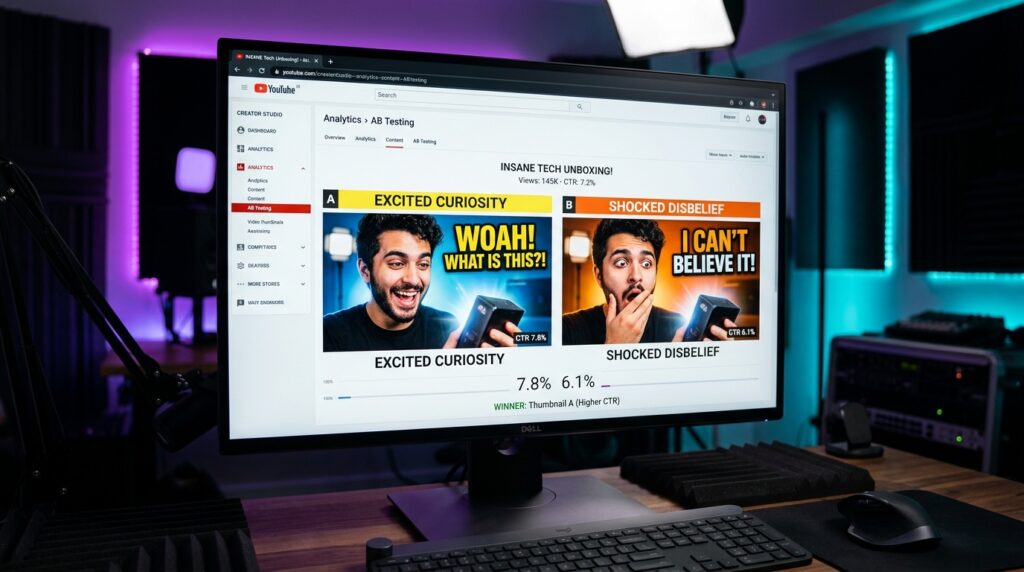
| Low CTR + High AVD | Hidden Gem / Poor Packaging | A/B test 3 new thumbnails and punchier titles immediately to unlock trapped views. |
| High CTR + Low AVD | The Clickbait Trap (Penalty) | Immediate audit required: Align title/thumbnail with the video’s actual narrative core. |
| Low CTR + Low AVD | Dead Video / Market Mismatch | Analyze why the topic failed to generate viewer interest; pivot topic selection. |
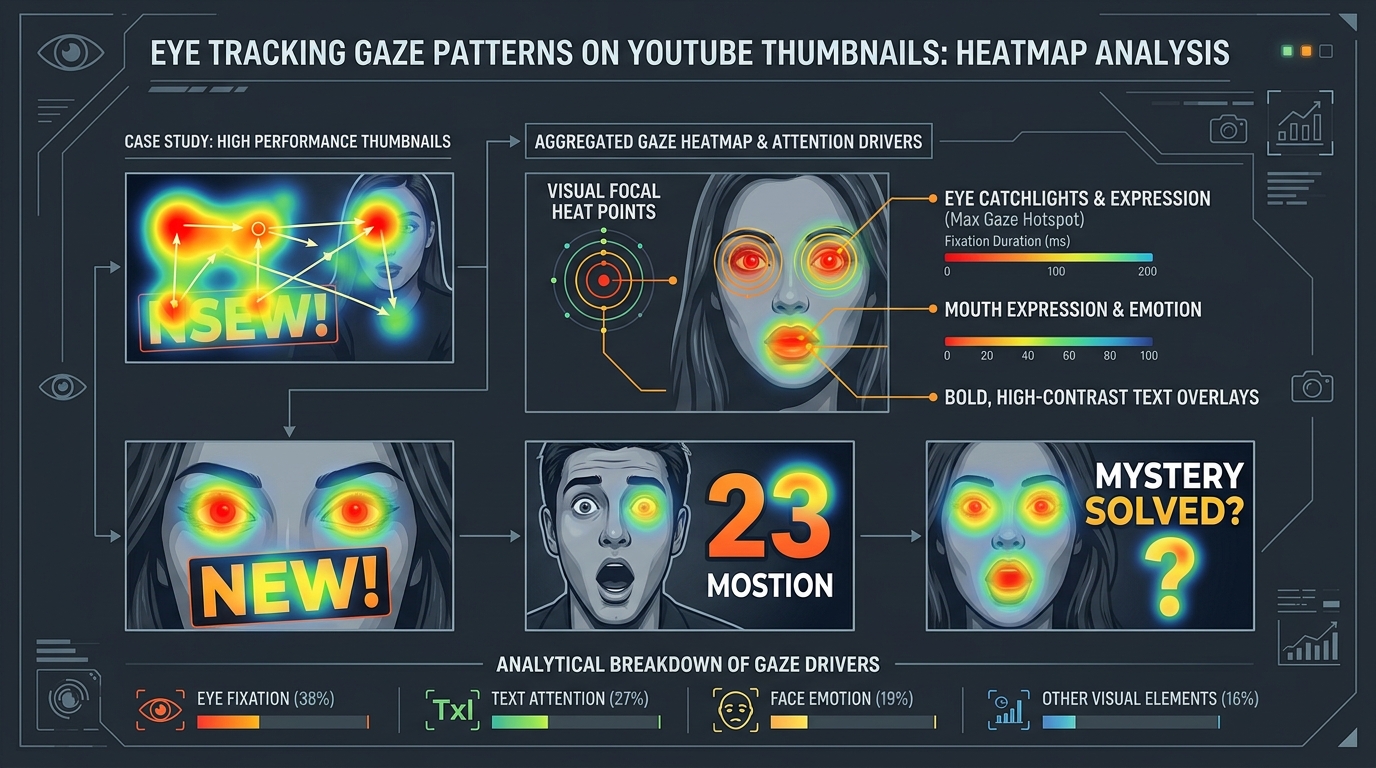
Why Viewers Abandon Your Video After Clicking (The 4 Traps)
When your CTR is high, it proves beyond any doubt that your thumbnail concept and title resonated powerfully with your target demographic. The failure occurs exclusively inside the first 60 seconds of the video file itself. Here are the 4 primary mistakes that kill retention:
1. The “Bait-and-Switch” Expectation Gap
If your thumbnail features a dramatic red circle around a broken engine with the title “My Truck Blew Up on the Highway!”, the viewer expects to see high-stakes roadside drama within seconds of clicking. If the video instead opens with you sitting calmly in your kitchen for four minutes explaining your morning routine and eating cereal, the viewer feels deceived and immediately clicks away. The expectation gap must be zero.
2. The Extended “Housekeeping” Monologue
Many creators waste their most valuable psychological real estate on channel housekeeping: “Hey guys, sorry I haven’t uploaded in two weeks, I had a cold, but make sure to smash that like button and subscribe, and a quick word from today’s sponsor…”. Viewers have zero loyalty to a creator during the first 30 seconds of an impression; they care exclusively about the problem you promised to solve.
3. Energy Whiplash
If your thumbnail uses electric neon yellow text, high-contrast emotional facial expressions, and high-saturation colors, your packaging communicates an energy level of 9 out of 10. If the video begins with quiet, low-energy mumbling over a slow, moody piano track, the sudden tonal mismatch causes viewer cognitive dissonance.
4. Front-Loading Sponsored Segments
Placing an integrated 60-second brand sponsorship read inside the first two minutes of a video is commercial suicide for retention. Viewers who arrived via a high-CTR recommendation will instantly abandon the video before you have even begun delivering on the core topic.
The 5 Production Fixes to Bridge the Retention Gap
To convert high click volume into long, sustained watch time, implement this battle-tested 5-step retention engineering framework:
Fix 1: The 10-Second Promise Confirmation Rule
Within the first 10 seconds of your video, you must visually and verbally confirm that the viewer is in the right place. If your thumbnail showed a comparison between the Sony FX3 and Canon R5, the very first sentence out of your mouth must be: “Can a \$3,900 cinema camera actually outperform a dedicated mirrorless flagship? In this video, we conducted a direct blind shootout…”. You have confirmed the promise; now the viewer is primed to stay.
Fix 2: Establish the Narrative Stakes Early
Great storytelling requires stakes: what happens if you fail? What is at risk? What surprising truth will be uncovered? In educational or review content, tell the audience what costly mistake they will avoid by watching until the end. In entertainment, introduce the ticking clock or the obstacle immediately.
Fix 3: The 45-Second Pattern Interrupt Protocol
Never allow your visual presentation to remain static for more than 45 seconds. Keep viewer dopamine receptors engaged through calculated pattern interrupts:
- Camera Cut: Switch between Wide (A-Cam) and Tight Punch-in (B-Cam) every 6 to 10 seconds.
- B-Roll & Motion Graphics: Overlay relevant macro b-roll, screen recordings, or kinetic animated text to support spoken points.
- Acoustic Shifts: Drop out the background music entirely for dramatic emphasis during key revelations, then swell the music back in with a riser sound effect.
Fix 4: Move Sponsor Reads to the 60% Marker
Never place paid sponsor integrations before the 60% mark of your video duration. By the time a viewer reaches the 6-minute mark of a 10-minute video, they have invested substantial mental energy into the narrative and are vastly more tolerant of a 45-second commercial integration.
Fix 5: Re-Align Thumbnail Tone with Video Reality
If your video is a thoughtful, calm, deep-dive documentary, stop using screaming neon arrow thumbnails. When you replace hyper-sensationalized thumbnails with sophisticated, intriguing minimalist packaging, your CTR may adjust slightly from 14% to 9%, but your Average View Duration will often surge from 15% to 55%. A 9% CTR with 55% retention will generate 10x more total views than a 14% CTR with 10% retention.
Frequently Asked Questions (FAQ)
What is considered a good Average View Duration (AVD) on YouTube?
On YouTube, AVD is best evaluated as a percentage of total video length (Average Percentage Viewed, or APV). For videos between 8 and 15 minutes, an APV of 45% to 55% is considered solid, while anything above 60% is exceptional. For shorter videos (3 to 5 minutes), target an APV of 65% to 75% to trigger widespread algorithmic promotion.
Will lowering my thumbnail’s “clickbait” factor hurt my channel growth?
No. De-risking extreme clickbait actually accelerates sustainable channel growth. Extreme clickbait attracts low-retention, mismatched audiences who leave angry comments and abandon the video, training YouTube’s algorithm that your channel does not satisfy users. Honest, curiosity-driven packaging attracts viewers who stay to the end, subscribe, and binge your back catalog.
How quickly does YouTube penalize a video with high CTR and low retention?
YouTube’s real-time recommendation system evaluates initial cohort performance within the first 200 to 500 impressions. If the initial audience clicks rapidly but departs within 45 seconds, the algorithm immediately narrows impression distribution, testing the video only on core subscribers before completely shutting off the Browse/Suggested traffic faucet.
Can I fix a low-retention video by trimming the intro in YouTube Video Editor?
Yes! In YouTube Studio, navigate to the video’s Editor tool. You can use the Trim and Cut feature to permanently slice out a slow 60-second intro or an awkward preamble without losing your URL, views, or comments. Once the trimmed version processes, new viewers enter directly into the meat of the content, instantly improving ongoing retention curves.
Does high CTR without watch time cause Google AdSense revenue drops?
Yes. AdSense revenue (RPM) is directly tied to ad impressions. If viewers abandon your video in the first minute, they will never see mid-roll ads (which generate 70% of long-form creator revenue). Increasing your Average View Duration from 2 minutes to 6 minutes typically triples your AdSense earnings per 1,000 views.