
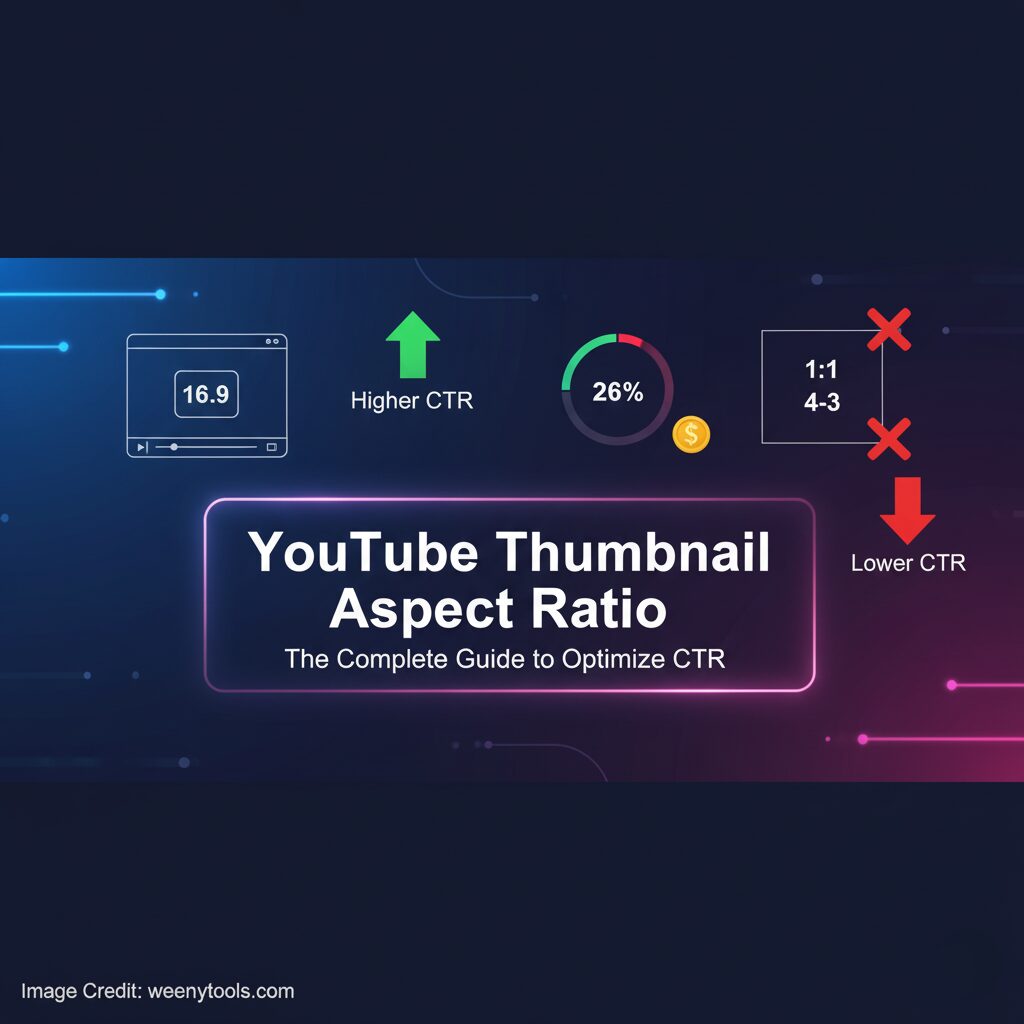
What is YouTube thumbnail aspect ratio?
The aspect ratio describes the proportional relationship between width and height of an image. For YouTube thumbnails you want a wide format. The most common and recommended ratio is 16:9. That ratio fits YouTube players and keeps your image intact in lists, search, and suggested feeds.
Standard sizes and pixel recommendations
- Recommended aspect ratio, 16:9
- Recommended resolution, 1280 by 720 pixels
- Minimum width, 640 pixels
- Maximum file size, 2 MB
- Supported file types, JPG, PNG, GIF, BMP
Use 1280 by 720 pixels when possible. It keeps thumbnails crisp on large screens. It also provides safe room for cropping that platforms might apply.
Why aspect ratio matters for CTR
The right aspect ratio prevents automatic cropping. It preserves composition and facial expressions. It prevents key text from being cut off. YouTube and social shares use the same thumbnail. If you use the wrong ratio viewers may see a cropped version. That hurts clarity and reduces clicks.
Examples of what goes wrong with wrong ratios
- Tall posters get trimmed at top or bottom
- Square images show black bars or are stretched
- Low resolution images look blurry on TV and tablets
Design tips that work with the 16:9 aspect ratio
Design for clarity. Keep the subject centered. Use large readable text. Avoid small details near the edges. Use a safe margin around faces and text. That prevents crop mistakes on smaller displays.
Practical checklist
- Keep text to three words or fewer
- Use bold fonts and high contrast
- Place key elements within center 80 percent of frame
- Export at 1280 by 720 pixels for best quality
- Check final thumbnail on mobile and desktop
Mobile first considerations
More than half of views come from mobile devices. Mobile screens show thumbnails at small sizes. Make elements obvious. Increase text size. Remove thin outlines. Use strong contrast between text and background.
How to test mobile readability
- Reduce image to 150 by 84 pixels and preview
- Check facial expressions at small sizes
- Ensure text remains readable after scaling
A/B testing thumbnails
Testing identifies what your audience prefers. You can test by uploading versions and tracking CTR in YouTube Studio. Run tests for at least seven days. YouTube may show different thumbnails to similar audiences. Compare impressions and CTR. Keep the version that performs better.
Metrics to track
- Click-Through Rate, percentage of clicks per impressions
- Average View Duration, indicates content match
- Impressions, shows reach
- Subscriber Conversion, shows long term value
Advanced tips for agencies and creators
Use layered source files such as PSD or layered PNG. Keep text and outlines on separate layers. Use the 1280 by 720 canvas while designing. Export final as JPG for smaller file size. Save a copy in PNG for sharper edges when needed.
Brand consistency
Create three to five templates. Use the same brand colors and fonts. Keep logo size small. Place it consistently. This helps viewers recognize your content quickly.
Common FAQs about thumbnail aspect ratio
Can I use 4:3 or square thumbnails
You can. YouTube will accept them. However the platform will show them with pillar or letterbox bars. That reduces visual impact. Use 16:9 for the best results.
Will YouTube compress my thumbnail
Yes. YouTube compresses images to save bandwidth. Upload a high quality 1280 by 720 JPG to reduce visible compression artifacts. Keep file size under 2 MB.
How to download and analyze competitor thumbnails
Study top creators to learn trends. You can download thumbnails quickly with our tool. Use it to inspect composition and text placement. Analyze contrast, color palette, and facial expressions. Then adapt proven tactics to your brand.
Try the YouTube Thumbnail Downloader here. Download a thumbnail.
Final checklist before you publish
- Canvas size 1280 by 720 pixels
- Aspect ratio 16 to 9
- File under 2 MB, JPG or PNG
- Key content inside center area
- Text readable on 150 pixel wide preview
- Test on mobile and desktop
Contact us for custom thumbnail design or advice. Visit our contact page at Contact


