In the fast-paced world of digital content, inspiration is everywhere. Sometimes you see a video with such a compelling design that you want to study it closely. This is where a youtube preview download tool becomes an essential part of your creator toolkit. Whether you are building a “swipe file” of great designs or you’ve accidentally lost your own original thumbnail file, knowing how to quickly grab these images is vital.
At WeenyTools, we understand that creators need efficient workflows. In this guide, we will explore the best methods for a youtube preview download, why high-resolution images matter, and how to use these previews to improve your own channel’s Click-Through Rate (CTR). Before you start, remember that mastering the ideal YouTube thumbnail size is the first step toward professional-looking content.
Why Do Creators Need a YouTube Preview Download?
A “preview” image (more commonly known as a thumbnail) is the face of any YouTube video. It’s the gateway to your content. Here are a few reasons why you might need to download one:
- Competitor Research: Studying what works in your niche by analyzing the colors, fonts, and layouts of top creators.
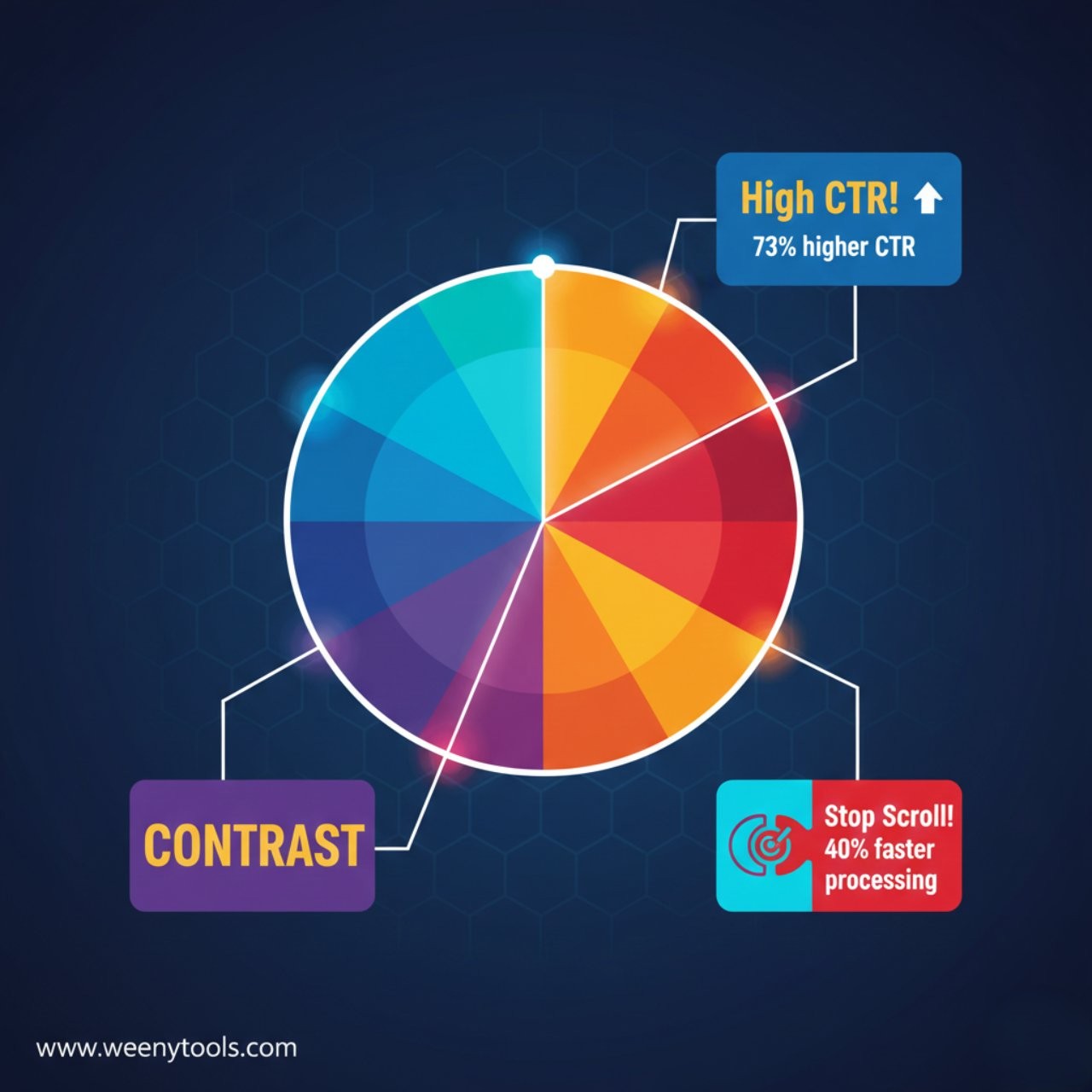
- A/B Testing Inspiration: Looking at how others create “curiosity gaps” to improve how thumbnails affect your CTR.
- Recovering Lost Files: If you deleted your original project but need the image for social media promotion.
- Blog/Article Features: When writing about a specific video and needing a high-quality visual reference.
The WeenyTools Advantage:
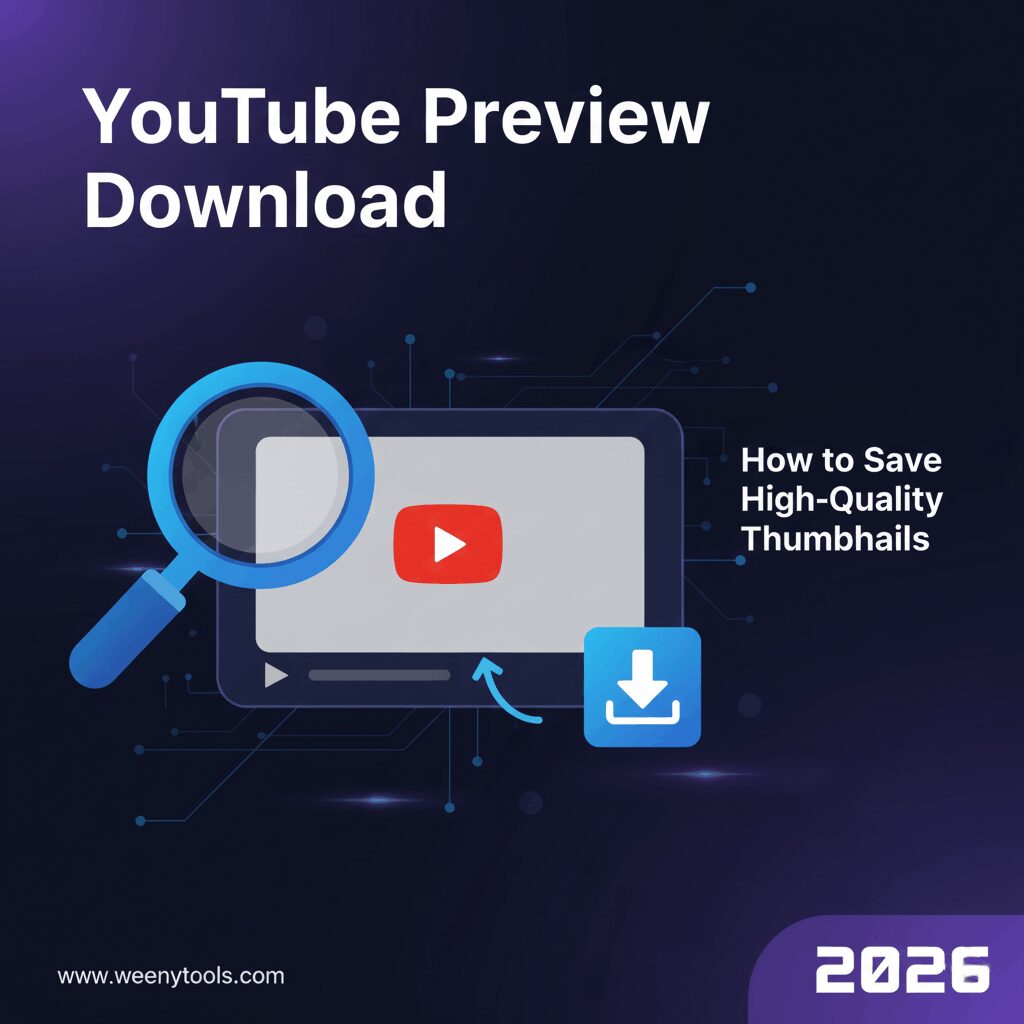
Instead of struggling with manual URL hacks or low-quality screenshots, our YouTube Thumbnail Downloader allows you to perform a youtube preview download in seconds. Just paste the link, and you get the highest resolution available!
3 Simple Steps for a YouTube Preview Download
Using a dedicated tool is the fastest and safest way to get the results you need. Here is the process using the WeenyTools platform:
Step 1: Copy the Video URL
Go to YouTube and find the video you are interested in. Copy the URL from the browser’s address bar. If you are on mobile, click the “Share” button and select “Copy Link.”
Step 2: Paste and Generate
Head over to our Thumbnail Grabber. Paste the URL into the search box. Our system will instantly fetch the preview images associated with that video ID.
Step 3: Choose Quality and Save
You will typically see several quality options. For most professional uses, you will want the “Maximum Resolution” (1280×720). Click the download button to save the JPG file directly to your device.
YouTube Preview Quality Levels Explained
| Quality Level | Resolution | Best For |
|---|---|---|
| HD (Maximum) | 1280 x 720 | Research, editing, and social media. |
| Standard | 640 x 480 | Small blog embeds. |
| Medium | 480 x 360 | Quick mobile previews. |
| Small/Mini | 120 x 90 | Legacy device support. |
How to Use Downloaded Previews to Grow Your Channel
A youtube preview download is only useful if you know how to apply what you learn. Once you have a collection of high-performing thumbnails, look for patterns. Do they all use bright yellow text? Do they feature close-up shots of faces with strong emotions?
Once you’ve studied the pros, you can head into tools like Canva to apply these lessons. If you’re deciding on software, read our comparison of Canva vs free YouTube thumbnail tools to find the best fit for your budget.
Common Mistakes in Thumbnail Design
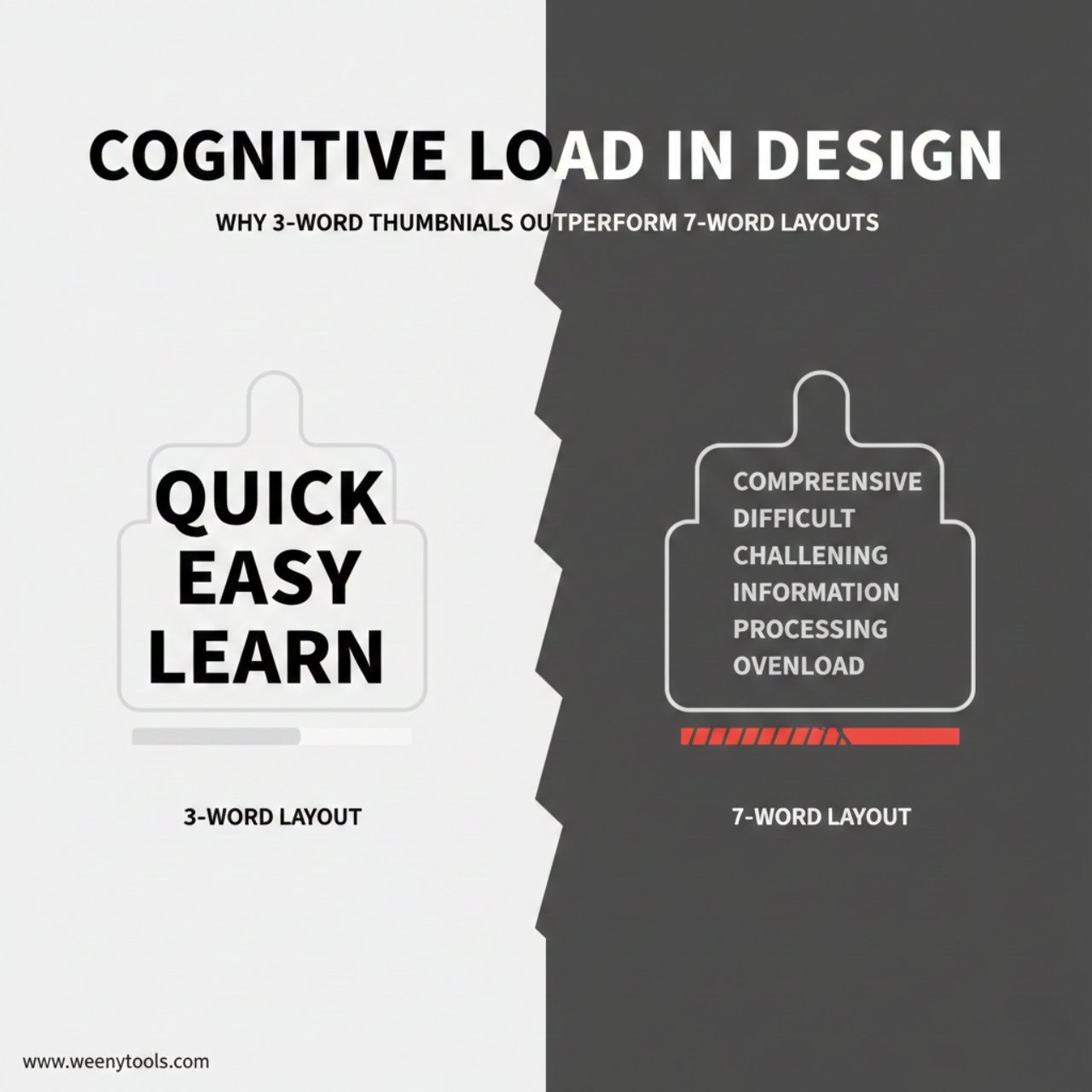
While downloading previews for inspiration is great, be careful not to fall into traps. One of the biggest thumbnail mistakes to avoid is being too “clickbaity.” If your preview image promises something the video doesn’t deliver, your audience retention will drop, and the algorithm will stop recommending your video.
Also, make sure your text is readable. Most viewers are on mobile, so if your youtube preview download reveals that your text is tiny when scaled down, it’s time to go bigger and bolder with your fonts.
Frequently Asked Questions
Is it legal to perform a YouTube preview download?
Downloading a thumbnail for personal use, research, or inspiration is generally considered fine. However, you cannot use someone else’s thumbnail for your own video without permission, as the artwork is copyrighted by the original creator.What is the highest quality thumbnail I can download?
The highest quality YouTube provides is 1280×720 pixels (HD). If a creator uploaded a smaller image, the “maxresdefault” file might not be available, and you will get the next best size.Does WeenyTools store the URLs I search for?
No. Our tool is a real-time fetcher. We do not store your search history or the images you download. Your privacy is important to us.Can I download thumbnails from YouTube Shorts?
Yes! Our downloader supports standard videos, Shorts, and even live stream replays. Simply copy the link to the Short and paste it as usual.
Mastering the art of the thumbnail is one of the fastest ways to learn how to get views on YouTube without ads. Use the right tools, study the best in the business, and stay consistent!
For more information, visit our About Us page or get in touch via our Contact section. You can also review our Privacy Policy and Terms.