Getting your YouTube thumbnail size 2026 right is one of the most important steps to improving your video’s visibility and click-through rate. A properly sized thumbnail not only makes your video look professional but also ensures it displays clearly across all devices, from mobile phones to 4K screens. This guide from WeenyTools explains the ideal dimensions, formats, and techniques for optimizing your YouTube thumbnails in 2026.
YouTube Thumbnail Size 2026: Official Requirements
YouTube recommends maintaining specific dimensions and formats for all thumbnails. These guidelines ensure that your images look sharp on every device.
- Resolution: 1280 x 720 pixels (minimum)
- Aspect Ratio: 16:9 (standard widescreen)
- File Size: Must be under 2MB
- File Formats: JPG, PNG, GIF, or BMP
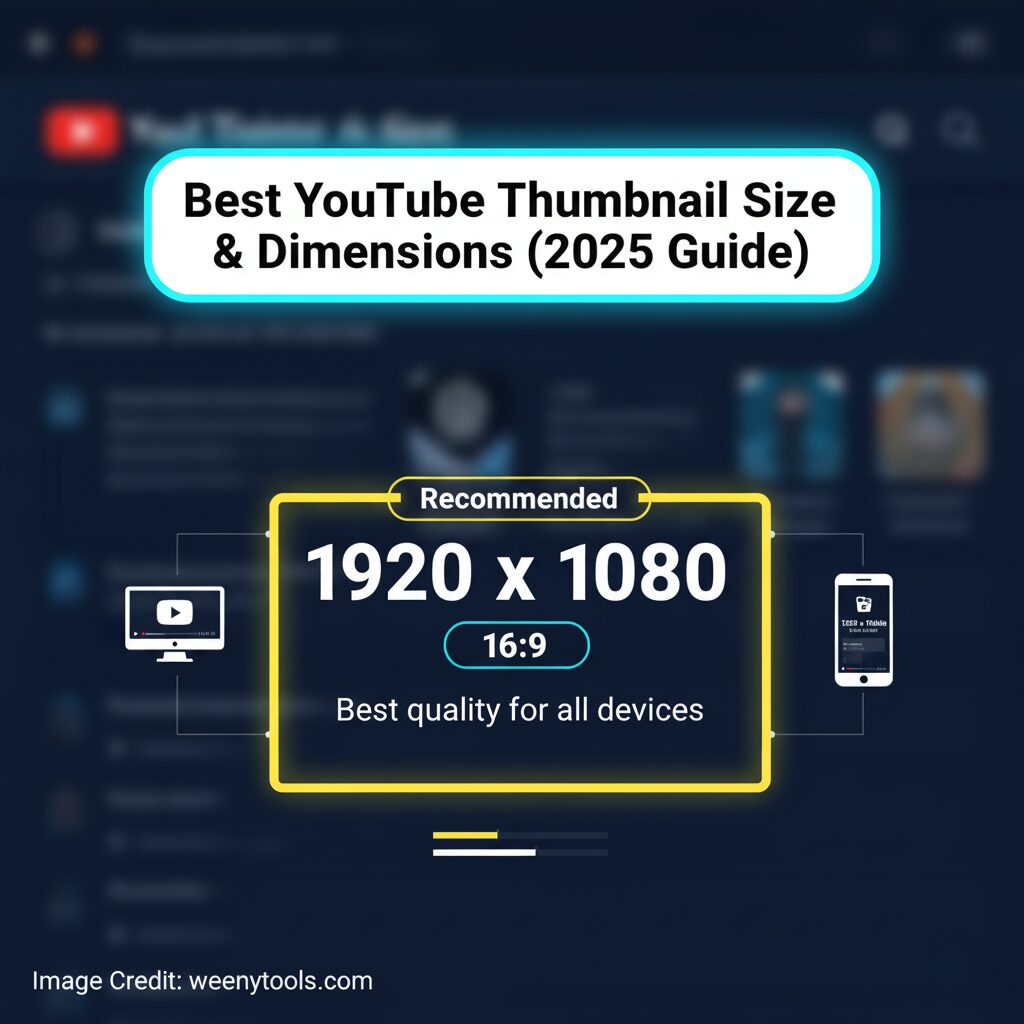
- Recommended Quality: High resolution, ideally 1920×1080
Following these technical specifications helps prevent cropping, distortion, or pixelation when your video appears in search results and recommendations.
Complete YouTube Thumbnail Size Chart
| Quality Level | Dimensions (W x H) | Aspect Ratio | Recommended Use |
|---|---|---|---|
| Minimum | 1280×720 | 16:9 | Basic upload compliance |
| Recommended | 1920×1080 | 16:9 | Best quality for most creators |
| High Quality | 2560×1440 | 16:9 | Large display optimization |
| Maximum (4K) | 3840×2160 | 16:9 | 4K screens and premium visuals |
Why 16:9 Aspect Ratio Matters
The 16:9 aspect ratio is widely recognized as the universal and standard format for YouTube videos. This specific ratio aligns perfectly with YouTube’s video player dimensions, ensuring that your content displays exactly as intended. By using this aspect ratio, your image or video will appear without any unwanted cropping or distracting borders, providing a clean and professional viewing experience for your audience.
- Works perfectly on desktop, mobile, and TV
- Maintains clean framing and proportions
- Gives your channel a consistent and professional look
Pro Tip: Design thumbnails at 1920×1080 to future-proof your visuals.
File Format and Optimization Tips
The file format you select plays a crucial role in determining both the overall image quality and the speed at which the image loads on a webpage. To achieve the best possible results, it is important to ensure your thumbnails remain under 2MB in size and are carefully optimized for efficient web display, balancing clarity with performance.
JPG
- Smaller file size
- Ideal for photographs
- No transparency
PNG
- Supports transparency
- Perfect for graphics or text-based designs
- Larger file size
Use effective compression tools such as TinyPNG or JPEGmini to significantly reduce the file size of your images without compromising or losing any visible quality. These tools optimize your files efficiently, helping to maintain high image quality while making them much smaller in size.
Device-Specific Considerations
Over 70% of all YouTube views are generated from mobile devices such as smartphones and tablets. This significant majority highlights the importance of designing content that is optimized for a variety of screen sizes and device types. Creating a user experience that adapts seamlessly across different platforms is essential for capturing and maintaining better engagement from a diverse audience.
Mobile Optimization
- Use large, readable text (minimum 30px)
- Keep the layout simple
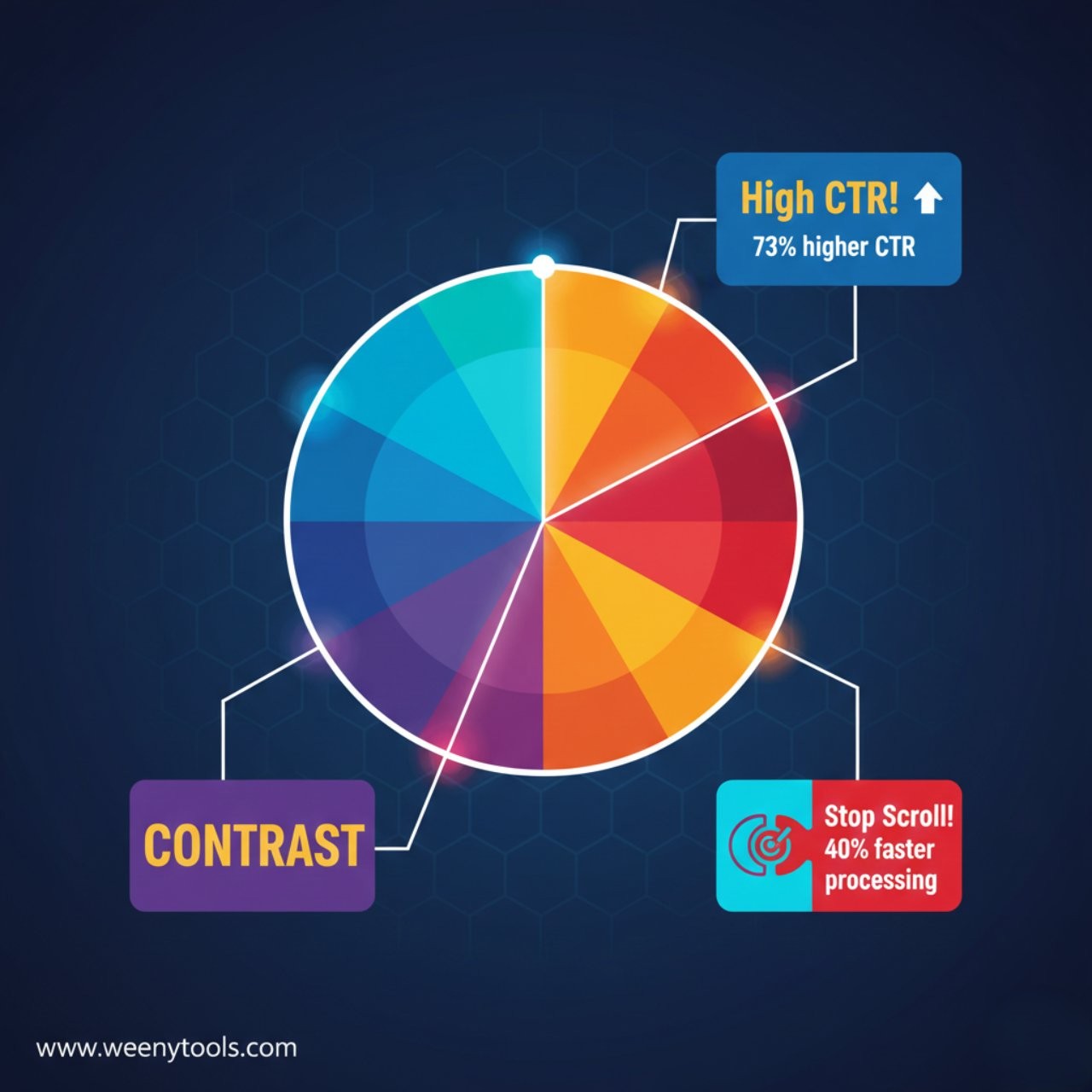
- Maintain strong contrast for clarity
Desktop and TV Screens
- Use finer details and layered compositions
- Ensure colors are balanced for larger displays
Common Mistakes to Avoid
- Using wrong aspect ratios like 4:3 or square
- Low-resolution images that appear blurry
- Exceeding YouTube’s 2MB file limit
- Text too small to read on mobile
- Inconsistent thumbnail sizes across your channel
Advanced Optimization Techniques
Safe Zones
Keep all key visuals and important text confined within the central 80% area of the image. This careful placement helps to ensure that no essential elements get cut off or lost when viewed on various screen sizes and devices, providing a consistent and clear presentation across different platforms.
DPI and Color
- 72 DPI is standard for web
- Use RGB color mode for digital display
- Design at higher resolutions (2560×1440 or above) for flexibility
Testing Your Thumbnail Before Upload
- Check size: 1920×1080 pixels, 16:9 ratio
- File size: Under 2MB
- Ensure readability on mobile
- Test colors on light and dark themes
After you have completed uploading your video, take the time to carefully review how your thumbnail appears in YouTube search results as well as in the recommendations section. This step is important to ensure that your thumbnail looks appealing and accurately represents your content to attract more viewers effectively.
Best Tools for Creating YouTube Thumbnails
- Canva: Simple drag-and-drop interface with YouTube templates
- Photoshop: Professional-level customization
- Figma: Collaborative design with precise dimensions
- WeenyTools YouTube Thumbnail Downloader: Download thumbnails instantly in multiple resolutions
Final Thoughts
Mastering the YouTube thumbnail size 2026 guidelines is essential to ensure that your content appears sharp, professional, and highly engaging across a wide range of devices, including desktops, tablets, and mobile phones. The perfect thumbnail resolution to aim for is 1920×1080 pixels, maintaining a 16:9 aspect ratio, which is the most commonly used format for YouTube videos. Additionally, the file size should remain under 2MB to guarantee quick loading times without sacrificing image quality. When you combine these technical specifications with a well-thought-out design strategy that includes eye-catching visuals and clear text, your videos will naturally draw in more clicks and significantly increase your overall views and audience engagement.
For additional assistance and more detailed information, please feel free to visit our comprehensive FAQ page where we address common questions and provide helpful tips. If you need personalized support, you can also reach out to us directly through our Contact Us page, where our team is ready to assist you with any inquiries or concerns. Furthermore, if you are interested in understanding how we handle and protect your data, we encourage you to review our detailed Privacy Policy as well as our Terms and Conditions, which outline the principles and guidelines we follow.
Ready to Create Perfect Thumbnails?
Use our Free YouTube Thumbnail Downloader to quickly and easily grab high-quality thumbnails in just seconds, saving you time and effort. This tool allows you to download the best resolution thumbnails from any YouTube video hassle-free. Try It Now and see how simple it is to get the perfect thumbnail instantly.
Useful Resources
Discover more detailed information about WeenyTools, explore our comprehensive Disclaimer to understand our policies better, and review our DMCA Policy for important copyright information. Additionally, you can visit our extensive FAQ section to find answers to common questions and receive further support whenever you need it.