
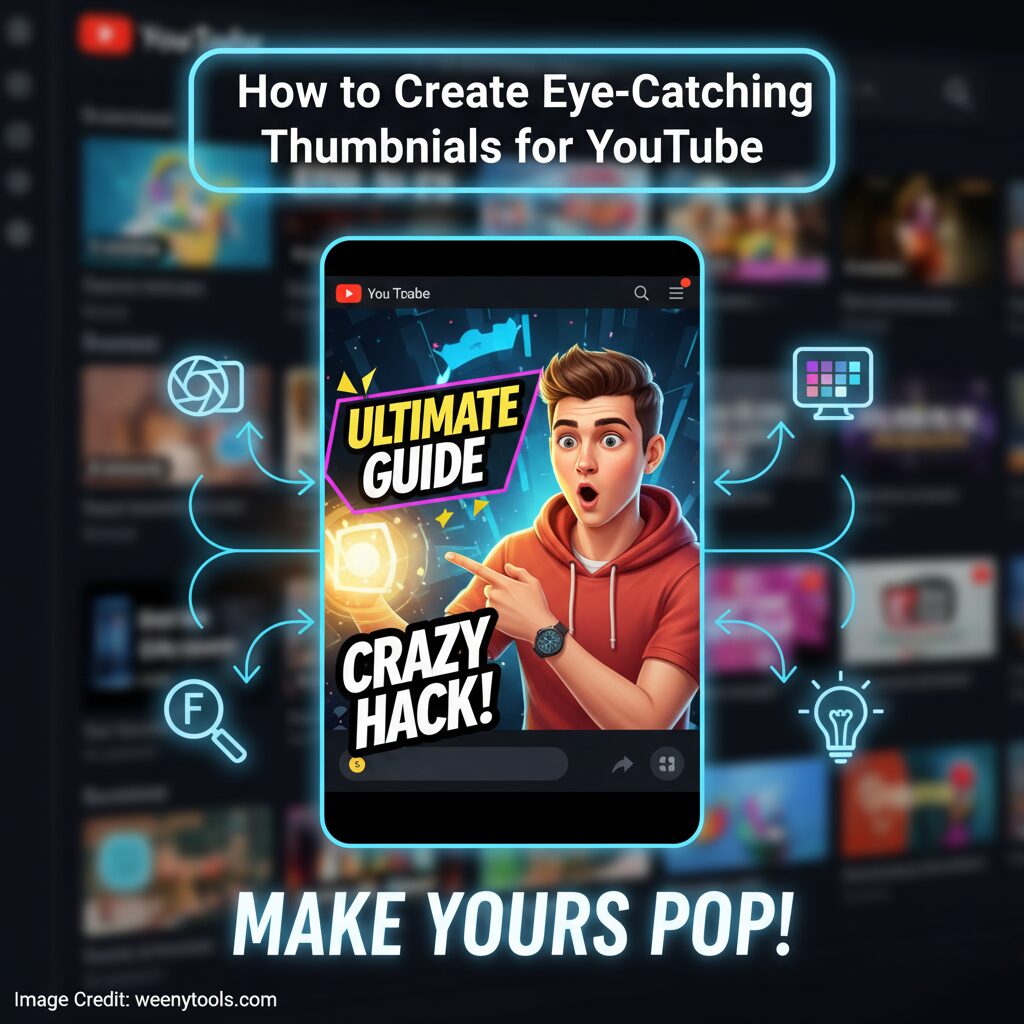
Your YouTube thumbnail is the very first thing potential viewers notice when they come across your video, and it often serves as the crucial deciding factor between whether someone clicks on your content or simply scrolls past it. Mastering the skill of how to create thumbnails for YouTube that effectively grab attention and encourage viewers to click is one of the quickest and most impactful strategies to grow your channel rapidly. In this comprehensive guide, you will discover easy-to-follow, proven methods to design eye-catching thumbnails that not only look highly professional but also significantly boost your click-through rates and enhance your overall YouTube SEO performance.
Why YouTube Thumbnails Matter
Thumbnails play a crucial role in directly influencing your video’s Click-Through Rate (CTR), which is one of the most important ranking factors within YouTube’s complex algorithm. A well-designed, eye-catching thumbnail can significantly increase the number of people who decide to click on your video. As a result, this higher click rate leads to increased watch time and greater viewer engagement, both of which contribute to boosting your video’s overall performance and visibility on the platform.
- Videos with custom thumbnails get up to 30% more views.
- 90% of top-performing YouTube videos use custom thumbnails.
- A 1% CTR increase can improve total video performance by 10%.
A well-crafted thumbnail plays a crucial role in helping YouTube accurately understand the relevance of your content, making it easier for the platform to recommend your videos to the right viewers. By attracting the appropriate audience, a compelling thumbnail significantly enhances your channel’s overall visibility, increases viewer engagement, and encourages more people to subscribe to your channel, ultimately contributing to steady and sustained growth over time.
Basic Design Principles
Follow these principles when creating your next thumbnail:
- Rule of Thirds: Place key elements on intersecting grid points to guide the viewer’s eye.
- Contrast: Use bright colors and clear separation between subject and background.
- Readable Text: Use bold fonts and short phrases, easily visible on mobile screens.
- Focus: Keep one main subject or idea per thumbnail.
Using Color Psychology
Colors evoke powerful emotions and can greatly influence the number of clicks your content receives. Understanding how to use colors strategically can enhance user engagement and drive more interactions. Here’s a detailed guide on how to apply colors effectively to maximize their impact:
| Color | Emotion | Best Use |
|---|---|---|
| Red | Excitement, urgency | Gaming, entertainment |
| Blue | Trust, calmness | Education, business |
| Yellow | Energy, positivity | Lifestyle, vlogs |
| Green | Growth, balance | Health, finance |
| Purple | Creativity, luxury | Art, fashion |
Best Tools to Create Thumbnails
You don’t need to be a professional designer or have advanced skills to create stunning and eye-catching thumbnails. Here are some of the top tools available that are user-friendly and work perfectly for people of all skill levels, whether you are a beginner or more experienced:
Canva
Enjoy a wide selection of free templates along with simple drag-and-drop editing tools. This combination makes it perfect for beginners who want to create stunning designs effortlessly and quickly.
Photopea
A completely free, browser-based alternative to Photoshop that you can use anytime without downloading software. It fully supports PSD files, allowing you to open, edit, and save your Photoshop projects directly within your web browser for maximum convenience and flexibility.
Adobe Photoshop
Professional-grade control engineered specifically for experts who demand not only exceptional precision but also the highest level of maximum flexibility in their work and creative processes.
Step-by-Step: How to Create a YouTube Thumbnail
- Analyze Competitors: Study thumbnails in your niche. See what colors and styles attract clicks.
- Plan Composition: Choose your focus—face, product, or title—and keep it clean.
- Use Proper Size: 1280×720 pixels at 16:9 ratio, under 2MB file size.
- Add Text: Use 3–5 impactful words to highlight your video’s benefit.
- Test Variations: A/B test different designs and track CTR in YouTube Studio.
Advanced Thumbnail Strategies
- Emotional Faces: Use expressions showing curiosity, excitement, or surprise.
- Pattern Interruption: Add unique visual elements to stand out in search results.
- Consistency: Maintain color themes and fonts to strengthen brand identity.
- Mobile Optimization: Test readability on mobile screens before publishing.
Common Mistakes to Avoid
- Using an excessive amount of text or a cluttered, overcrowded design that overwhelms the viewer.
- Uploading images that are low-quality, blurry, or pixelated, which diminishes the overall professionalism.
- Creating misleading thumbnails that can damage viewer trust and reduce credibility.
- Neglecting mobile visibility by not optimizing for smaller screens or overloading the layout with too many elements.
Measure Your Thumbnail Success
After you have successfully uploaded your thumbnail, make sure to closely monitor the following important metrics within YouTube Analytics to better understand its performance and impact:
- Click-Through Rate (CTR): Higher CTR means your thumbnail attracts clicks.
- Average View Duration: Shows if the audience matches your content.
- Engagement: Likes, comments, and shares indicate relevance.
- Subscriber Conversion: How many viewers subscribe after clicking.
A good click-through rate (CTR) typically falls between 4–10%. When your CTR rises above 10%, it indicates that your thumbnails are performing exceptionally well and effectively capturing the attention of your audience.
Final Thoughts
Creating exceptional YouTube thumbnails is truly a blend of both art and science, requiring a careful balance of various elements. The perfect combination of vibrant color, sharp clarity, and compelling emotion can significantly increase your click-through rates and help your channel expand much more quickly. To enhance your thumbnail creation process, consider using helpful tools such as WeenyTools YouTube Thumbnail Downloader, which allows you to analyze the most successful thumbnails and gather valuable inspiration for designing your next eye-catching image.
Continue consistently testing, improving, and refining your approach with dedication and care. Every single thumbnail you create represents a valuable opportunity to reach a wider audience and share your story in a more compelling and impactful way.
Ready to Download and Analyze YouTube Thumbnails?
Use our completely free and easy-to-use YouTube Thumbnail Downloader tool to thoroughly study and analyze high-performing thumbnails within your specific niche and significantly enhance your own thumbnail designs for better engagement. Start Downloading Thumbnails Now and take your content to the next level.
Useful Resources
Discover more detailed information about who we are and what we do on our About page. If you have any questions or would like to get in touch with us directly, please feel free to reach out through our Contact page. Additionally, you can review important documents including our Privacy Policy, Terms & Conditions, Disclaimer, browse through our FAQ section for common questions, and learn about our DMCA Policy to better understand our practices and policies.


