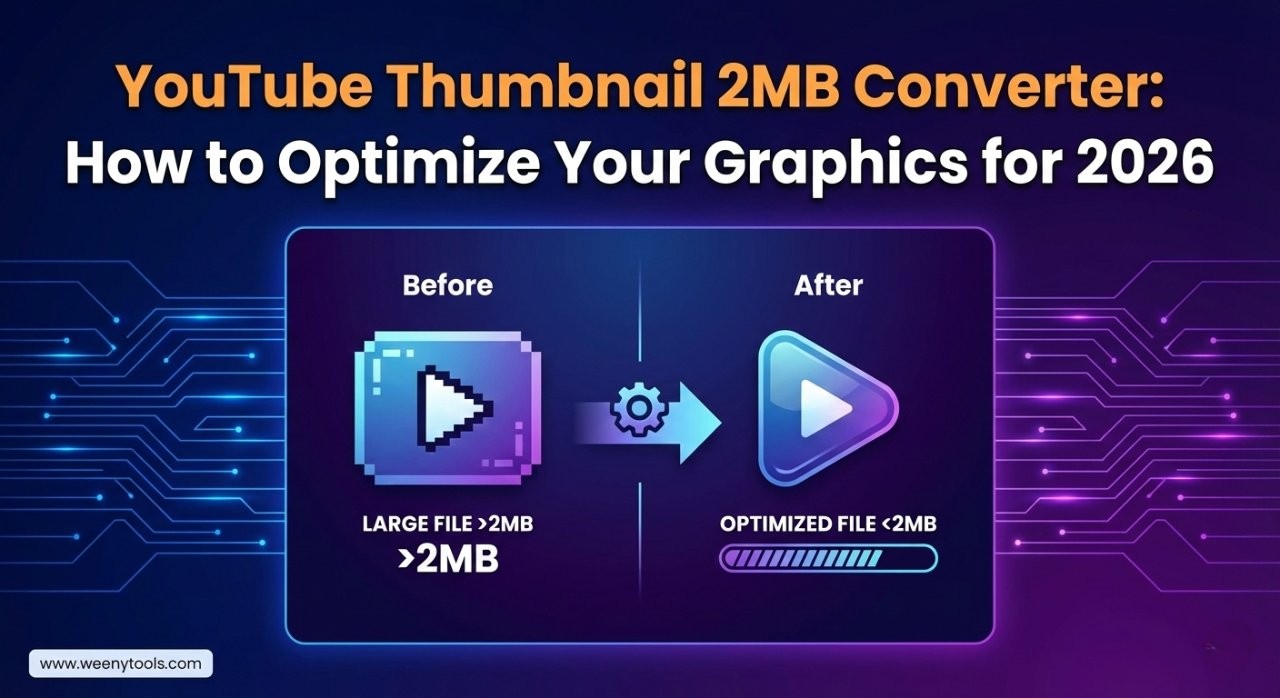
Every creator knows the feeling: you’ve designed a masterpiece, but the upload button fails. If you are searching for a reliable youtube thumbnail 2mb converter, you are likely hitting the dreaded “file too large” error message. YouTube is the world’s second-largest search engine, but it has strict technical rules. One of those rules is that your custom thumbnail cannot exceed 2 megabytes in size.
In this guide, we will break down exactly how to make my thumbnail less than 2mb without losing that crisp, professional look that earns you clicks and views. Whether you use PNG or JPG, optimization is the secret weapon for channel growth.
Helpful Resources:
Best YouTube Thumbnail Size & Dimensions Guid
How Thumbnails Affect Your Click-Through Rate
Get YouTube Views Organically (2026 Strategy)
Understanding the 2MB Limit
Why does YouTube care about file size? It’s all about speed. When a user scrolls through their feed, YouTube needs to load dozens of thumbnails instantly. If every thumbnail was 10MB, the app would lag and users would leave. By enforcing a 2MB limit, YouTube ensures a smooth experience for viewers on all devices, especially mobile users on slower 4G or 5G networks.
However, 2MB is actually quite small for high-resolution graphics. If you use a lot of text effects, high-contrast photos, or complex overlays, your file size can easily balloon to 4MB or 5MB. That is why using a dedicated youtube thumbnail 2mb converter is essential for a smooth workflow.
How to Make My Thumbnail Less Than 2MB: 3 Pro Methods
If your file is currently too big, don’t panic. You don’t have to start your design over from scratch. Here are the three most effective ways to shrink your file size while maintaining HD quality.
1. Convert PNG to JPG
PNG files are “lossless,” meaning they keep every single bit of data. This makes them high quality but very “heavy.” JPG files use compression to discard data that the human eye can’t really see. Simply converting your file from .png to .jpg can often reduce the size by 70% or more.
2. Use a YouTube Thumbnail 2MB Converter Tool
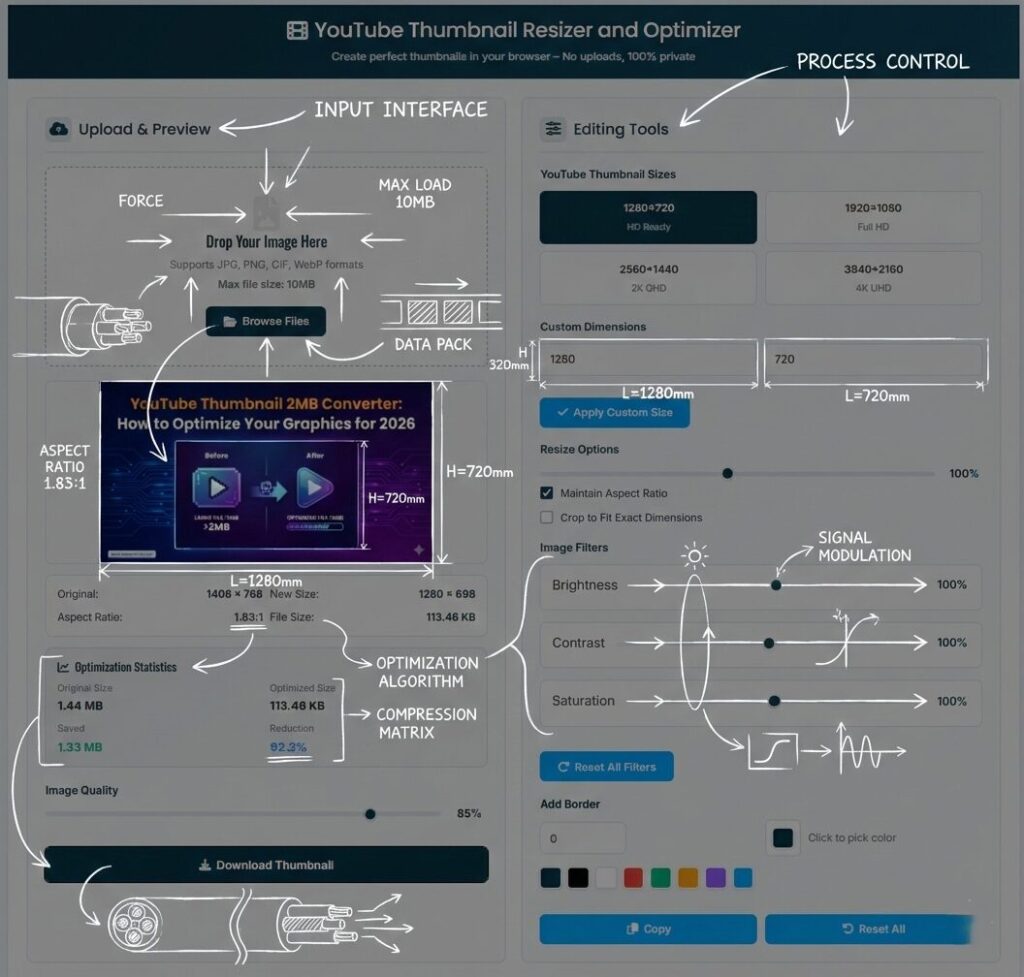
The easiest way is to use a web-based tool designed for this exact purpose. Our resizer tool allows you to upload any large image and automatically scales it to the correct dimensions while compressing the file size to fit YouTube’s requirements perfectly.
Quick Fix: Don’t let file size stop your upload. Use our free tool to fix it in seconds:
Access YouTube Thumbnail Resizer
3. Reduce Resolution (If Necessary)
The standard resolution is 1280×720. If you accidentally designed your thumbnail at 4K resolution (3840×2160), it will be massive. Downscaling to 720p is usually enough to bring the file size well under the 2MB threshold.
The Technical Comparison: File Size vs. Quality
When you use a youtube thumbnail 2mb converter, you are essentially managing the “Bit Depth” and “Compression Ratio” of your image. Here is a look at how different settings impact your upload:
| Setting | File Size | Visual Result | Upload Status |
|---|---|---|---|
| PNG-24 (Uncompressed) | 3.5 MB | Ultra Sharp | Rejected ❌ |
| JPG (100% Quality) | 2.1 MB | Very Sharp | Rejected ❌ |
| JPG (85% Quality) | 650 KB | Professional | Accepted ✅ |
| JPG (Low Quality) | 120 KB | Blurry/Pixelated | Accepted (But looks bad) |
Common Mistakes When Optimizing Thumbnails
When trying to figure out how to make my thumbnail less than 2mb, many beginners make these common errors:
- Over-compressing: If you set the quality too low, you’ll see “artifacts” (blocky squares) around your text. This looks unprofessional and lowers your CTR.
- Wrong Aspect Ratio: Even if your file is under 2MB, if it’s not 16:9, YouTube will crop it or add black bars. Always stick to 1280×720.
- Ignoring the Preview: Always look at your thumbnail at a small size (like a postage stamp). This is how most people will see it on their phones.
Why You Should Study Successful Thumbnails
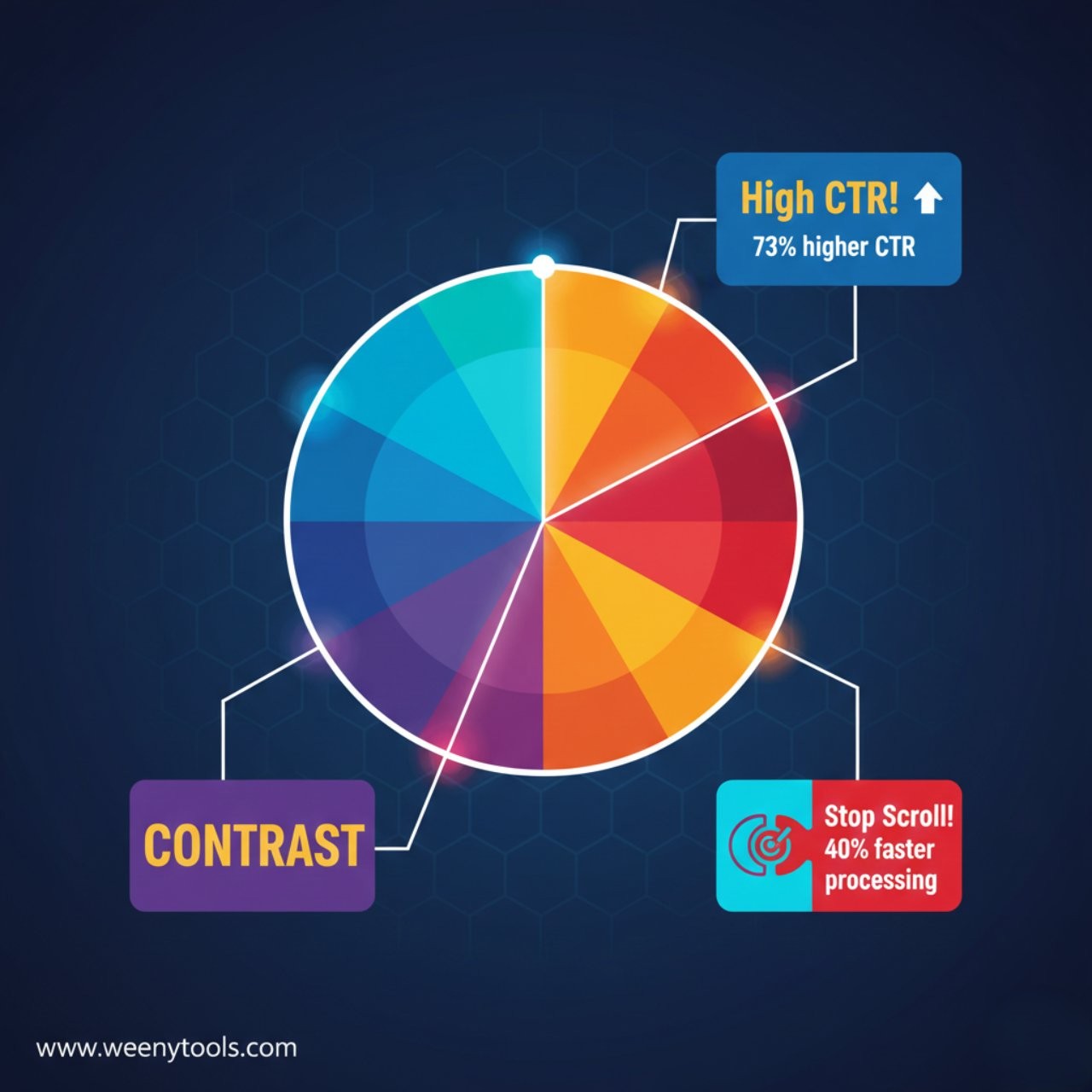
Before you compress your next image, take a look at what the pros are doing. Large creators often use very bright colors and high contrast, which can lead to larger file sizes. By using a youtube thumbnail 2mb converter, they can maintain those “loud” colors while staying within the rules.
Tool Spotlight: Want to see the exact file quality of your favorite YouTuber’s thumbnails? You can download them in full HD here:
Download YouTube Thumbnails
Conclusion: Small Files, Big Results
Optimizing your images is a small step that makes a huge difference in your workflow. A youtube thumbnail 2mb converter ensures that you never face a “File Too Large” error right when you are ready to publish. By sticking to the 1280×720 resolution and using high-quality JPEG compression, you can keep your channel looking professional and fast.
Frequently Asked Questions
What happens if my thumbnail is over 2MB?
YouTube will prevent the upload and show an error message. You will not be able to save your video changes until you upload a smaller file.
Is there a free youtube thumbnail 2mb converter?
Yes, WeenyTools provides free online tools to resize and optimize your thumbnails specifically for YouTube’s requirements.
Does converting PNG to JPG lose quality?
Technically, yes, but for a YouTube thumbnail, the loss is usually invisible to the human eye. It is the best way to reduce file size quickly.
What is the best resolution for a YouTube thumbnail?
The gold standard is 1280 pixels by 720 pixels, with a minimum width of 640 pixels.
Can I upload a thumbnail as a PDF?
No, YouTube only accepts image formats like JPG, GIF, BMP, or PNG.
For support, contact us at WeenyTools Contact. Read our Disclaimer and DMCA Policy for more info.